Printable To Do List
Make a blank to-do list or checklist with the boxes, columns and number of lines you want, then print it.
Recent
Your last 10 settings, saved only in this browser. Nothing is uploaded.
At a glance
Printable To Do List is a free browser tool that makes blank to-do lists and checklists with checkboxes, optional priority and due date columns, one or two lists per page and PDF or print output.
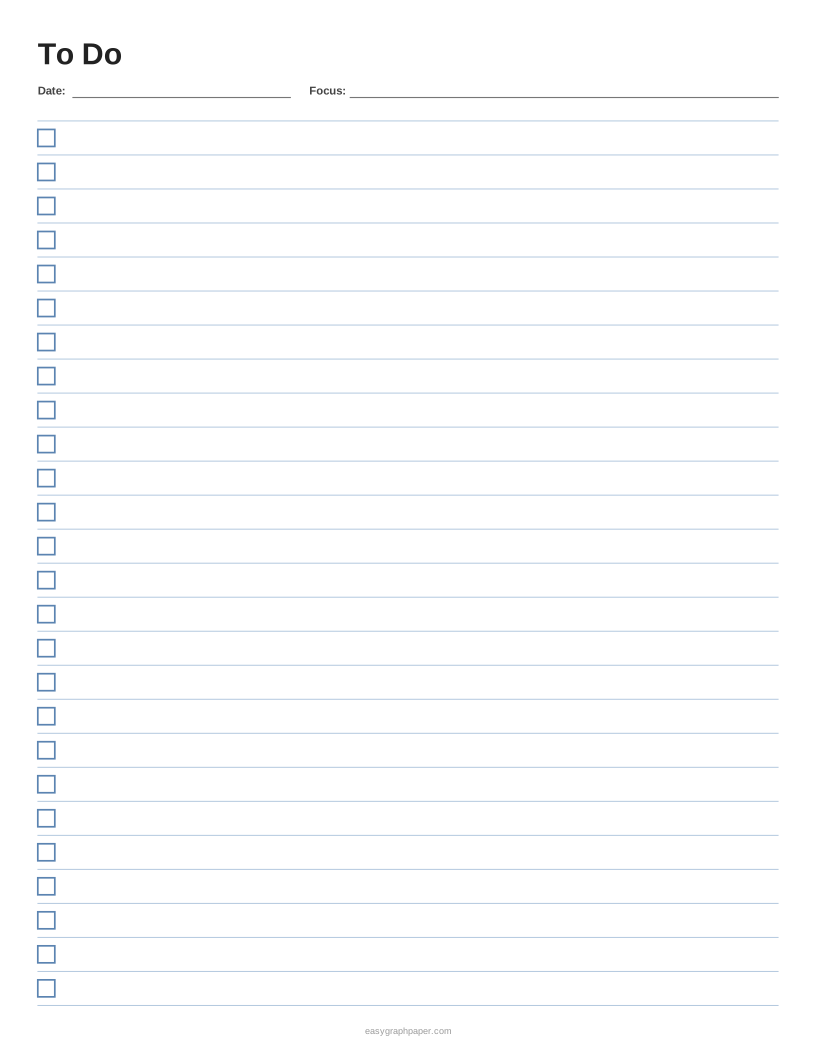
- US Letter holds 27 tasks in one list, or 62 tasks with two lists of 8 mm rows.
- Checkboxes can be squares, circles or left out.
- Priority and due date columns can be added, with 0 to 12 note lines at the bottom.
- Row height can be 7 mm, 8 mm, 9 mm, 10 mm, 1/2 in or 15 mm.
- The tool is free, needs no sign-up, and nothing you type is uploaded.
Sources: To-do list (Wikipedia) (checked 2026-10-17)
Reviewed
How to make a printable to do list
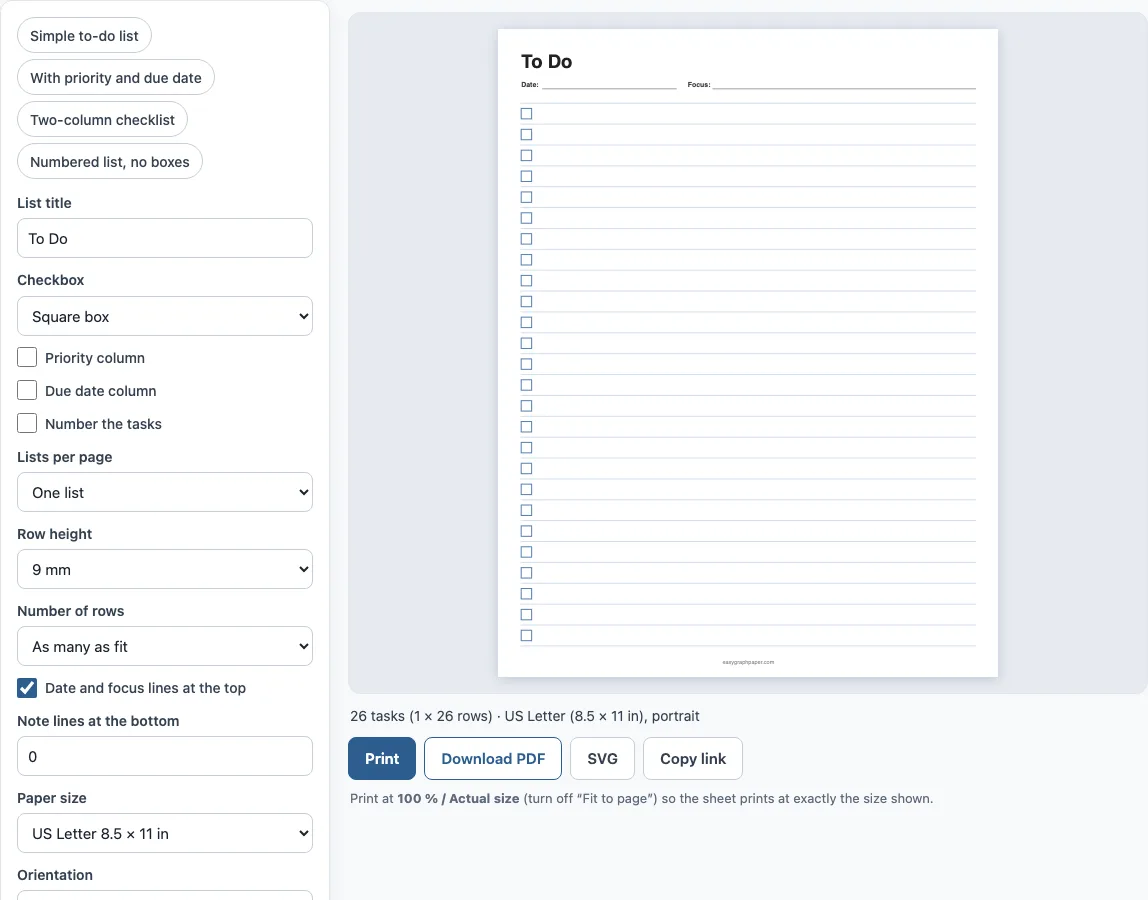
- Type a list title, such as To Do, Groceries or Packing list. Clear the box if you want no title.
- Choose the checkbox: a square box, a circle or none for plain lines.
- Add a priority column if you rank tasks, and a due date column if tasks have deadlines.
- Turn on task numbers if you want a numbered list, which also works without any checkboxes.
- Choose one list or two lists side by side. Two lists suit short checklists such as packing or cleaning.
- Pick a row height. 9 mm is a comfortable handwriting size, 7 mm gives more rows, and 15 mm leaves room for bigger writing.
- Leave the date and focus lines on, or turn them off. Add 0 to 12 note lines at the bottom if you want a notes area.
- Choose the paper size, line colour and weight. Click Print or Download PDF at 100% (“Actual size”). Copy link saves the settings, and you can print up to 50 identical pages. If the boxes look smaller than expected, check that “Fit to page” is off in the print dialog, because fitting shrinks the sheet slightly.
A few examples of titles that work well: To Do Today, Weekly Priorities, Packing List, Chores and Shopping.
What is a to-do list?
A to-do list is a written list of tasks you plan to do. Writing tasks down moves them out of your head, and ticking a box when each one is done gives a clear picture of what is left. A checklist is nearly the same thing: the items are usually the same each time, such as a packing list or a closing routine, so you print the sheet again and tick it fresh.
How do you make a good daily to-do list?
Keep the list short enough to finish. Write the tasks as clear actions, for example “email the landlord” rather than “housing”. Mark the one or two that matter most using the priority column, for example A for must do today, B for should do and C for if there is time. Add a due date to anything that has a deadline, so it does not hide in the middle of the page. At the end of the day, carry unfinished tasks to the next sheet instead of rewriting everything.
How many tasks fit on one page?
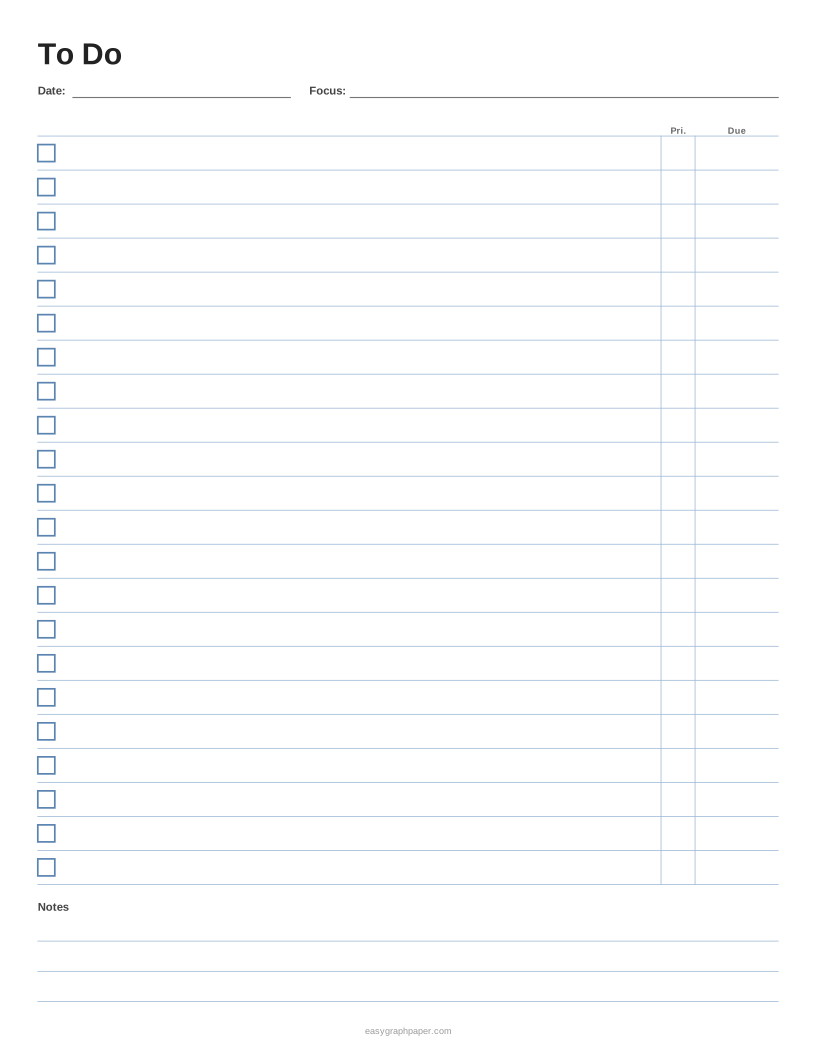
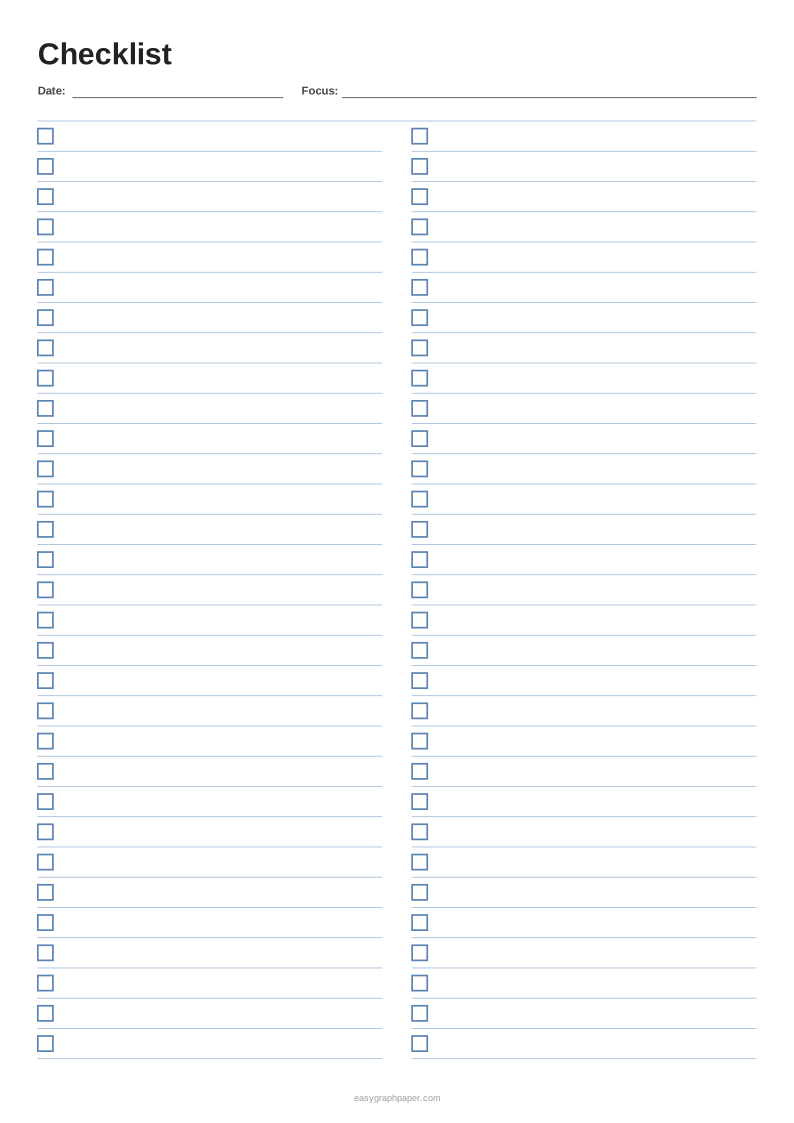
It depends on the row height and the layout. With the default 9 mm rows, US Letter holds 27 tasks and A4 holds 29. With 8 mm rows in two lists side by side, Letter holds 62 tasks (31 in each list) and A4 holds 66. Adding priority and due date columns and three note lines reduces a single Letter list to 23 tasks, because the column labels and the notes take space.
Which layout should you choose?
Use the single list with priority and due date for work, school and project tasks. Use two lists for short repeat checklists. Use circles or squares for tasks to tick, and plain numbered lines for a ranked list, such as a top-five list. The presets above the page set these up in one click.
Examples made with this generator
Frequently asked questions
Is a checklist the same as a to-do list?
Almost. A to-do list holds tasks that change from day to day. A checklist holds a fixed set of steps that you tick every time. This generator makes both: type a title such as Checklist and print as many copies as you need.
Can I print a to-do list with no checkboxes?
Yes. Set the checkbox to none and turn on numbers if you want a numbered list. You get plain ruled lines.
How do I fit more tasks on a page?
Choose a smaller row height, such as 7 mm, or switch to two lists side by side. Turn off the date line and the notes lines to free up more room.
Can I use it as a weekly to-do list?
Yes. Print a page, write the week in the title, such as “Week of 5 Oct”, and use the due date column for the day of the week. For a month of habits, the habit tracker fits better.
Can I type my tasks before printing?
The sheet is blank so that you can write by hand. Type only the title, then print and fill it in with a pen.
Can I sell the pages I make?
Yes. Pages you make here are free for personal and commercial use, including planner bundles and Etsy printables, and no credit is needed. You may not copy the generator itself to run a competing service (see the terms).
Related paper templates
- Habit tracker: Use this when you want to tick off habits across a month.
- Printable check register: Use this when you want to log payments and deposits.
- Ledger paper: Use this when you want columns for amounts.
- Lined paper: Use this when you want plain ruled lines for notes.
- Cornell notes template: Use this when you want a notes page with a cue column and summary.
- Writing paper and planners: Use this to see every planner and writing page.