Perspective Grid Generator
One-, two- and three-point perspective guides to draw over or trace, with the horizon and vanishing points where you want them.
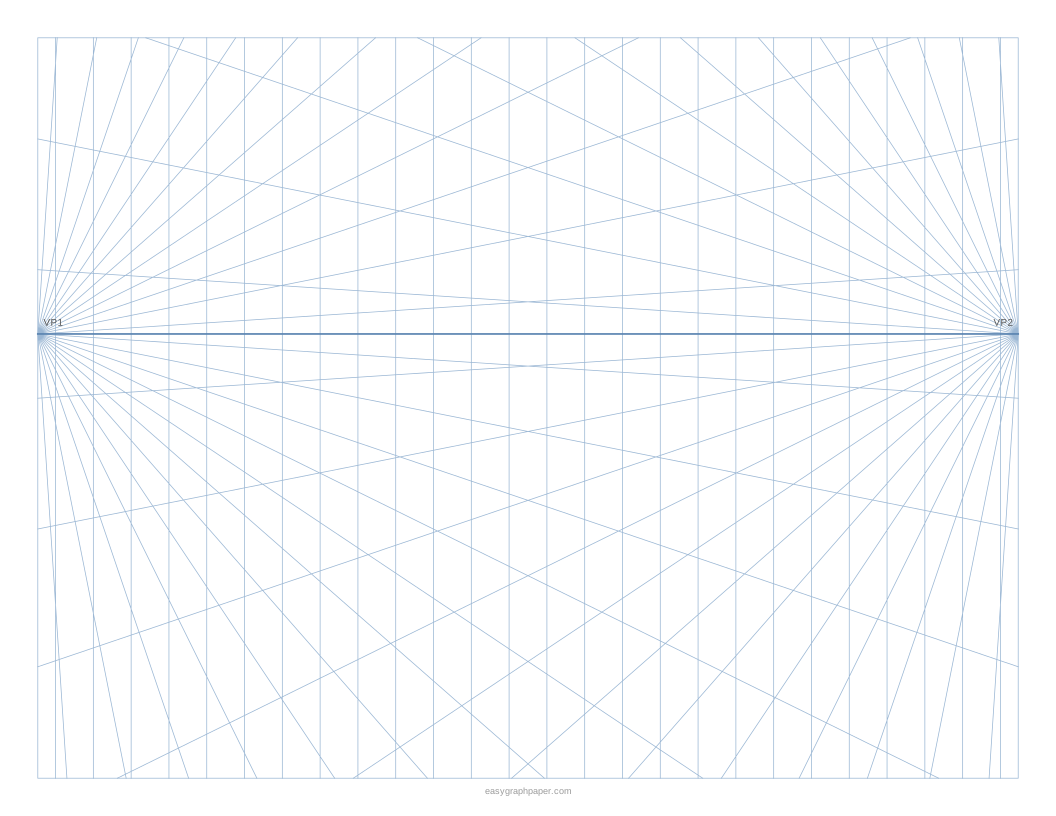
A perspective grid is a set of guide lines that meet at vanishing points on a horizon line, which helps you draw objects that shrink with distance the way the eye sees them. This perspective grid generator creates 1-, 2- and 3-point grids as printable sheets directly in your web browser. It is free and needs no sign-up or download.
You choose the number of vanishing points, the horizon height, how many lines to draw and the paper size. Then you can print the sheet, save it as a vector PDF or SVG, or copy a link that recreates the same grid later. Your settings stay in the browser and are not uploaded. Whether you need a perspective drawing grid for a street, a box or a room, the options below cover those cases.
How to use the perspective grid generator
- Choose 1-, 2- or 3-point. One-point suits roads and corridors, two-point suits buildings and boxes seen from a corner, and three-point adds vertical convergence.
- Set the horizon height between 1/4 and 3/4 of the way down the page.
- Pick the number of lines per vanishing point, from 12 to 72.
- For two-point grids, set the distance between the two vanishing points: close, page width, 1.5, 2 or 3 times the page width.
- Turn on vertical and floor guide lines if you need them. For three-point grids, choose looking up or looking down, and switch the horizon line on or off.
- Pick a line colour preset (light blue, grey, black, green, red, purple) or a custom colour, then choose a line weight: fine, normal or bold.
- Choose a paper size and orientation: US Letter, A4, US Legal, Tabloid, A3 or A5, portrait or landscape (landscape suits wide scenes).
- Open Page and print settings to set the margin, an optional title, a Name and Date line, the number of pages (1 to 50), and whether the small site address appears in the bottom margin.
- Use Print, Download PDF, SVG or Copy link under the preview.
When printing, choose 100 % or “Actual size” and turn off “Fit to page” or “Shrink to fit” so the grid fills the page as previewed. The page remembers your last paper size, and Copy link stores all current settings.
What is a perspective grid?
A perspective grid is a set of straight guide lines that converge on vanishing points placed on a horizon line. The horizon sits at eye level. Lines that run away from you meet at a vanishing point on that horizon, so any object you draw along those lines appears to shrink with distance.
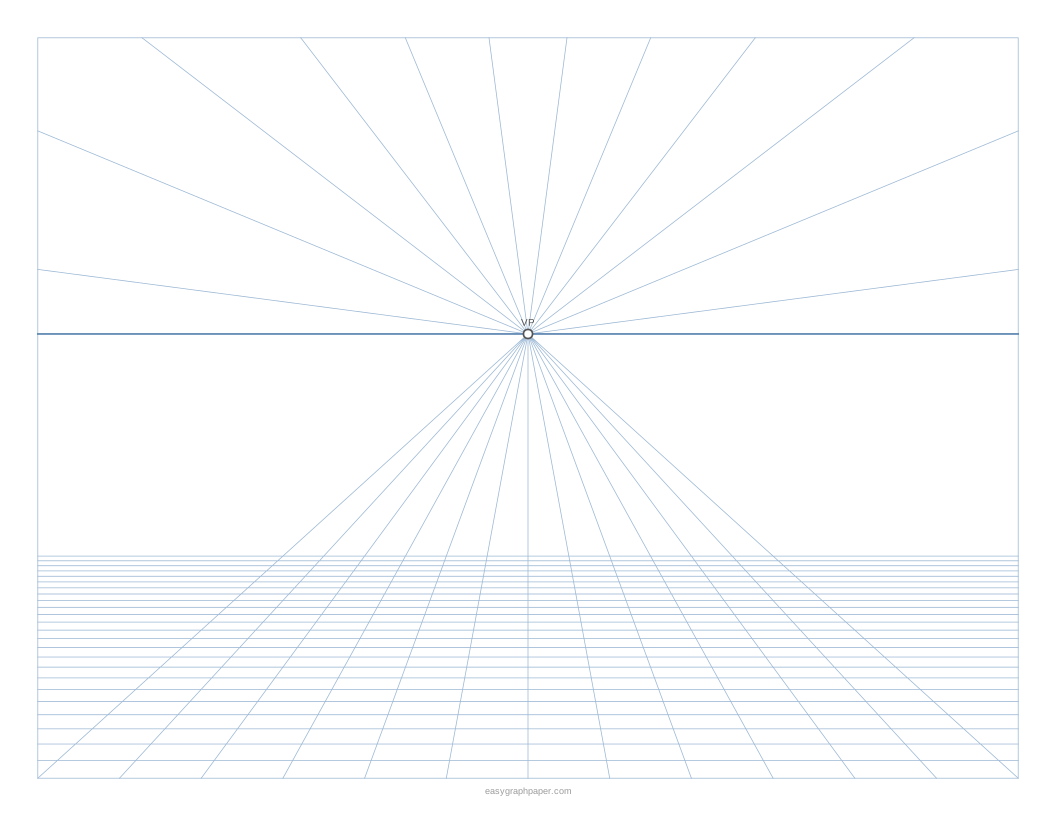
In one-point perspective, all lines that go into the distance meet at a single vanishing point. Horizontal and vertical lines stay horizontal and vertical. This is the view of a road, a railway track, a corridor or a room seen face-on. The generator includes receding floor lines for this type, and it marks any vanishing point inside the page as VP1.
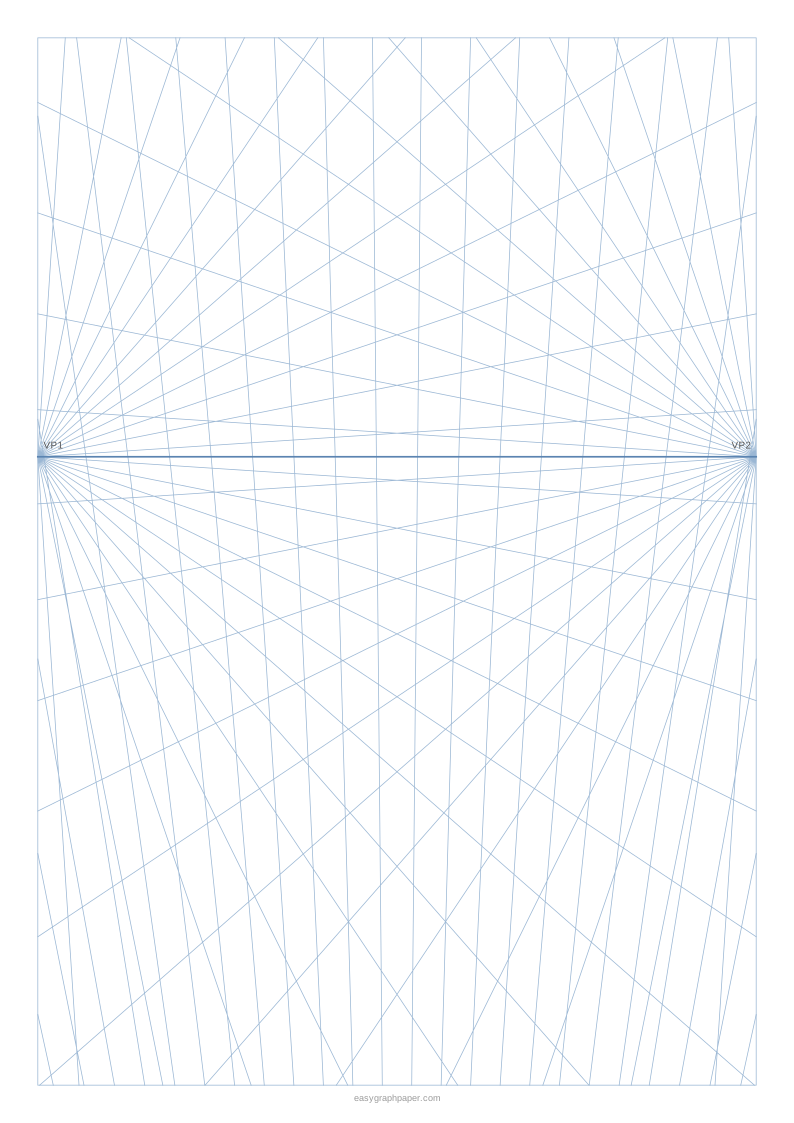
In two-point perspective, the object is seen corner-on. Its two sets of horizontal edges run to two vanishing points on the horizon, while vertical edges stay vertical. Buildings and boxes seen from a corner use this view. The generator adds evenly spaced vertical lines and marks the two points as VP1 and VP2 when they fall inside the page. Points set far apart sit outside the page and give a less distorted view.
What is a 3-point perspective grid?
A 3-point perspective grid adds a third vanishing point, placed either above the horizon or below it. A point above the horizon is used when you look up at a tall building, and a point below is used when you look down from a height. Because of this extra point, vertical edges also converge, which is why tall objects appear to lean inward as they rise or fall.
How to draw a box on a perspective grid
- Draw the front vertical edge of the box where you want it.
- From the top and bottom of that edge, rule lines along the grid toward the vanishing point (one-point) or toward both vanishing points (two-point).
- Decide the width and depth and draw vertical edges where the box should end.
- Connect the back corners along the grid lines toward the vanishing points; in one-point perspective the front face stays a true rectangle.
- Erase the construction lines you do not need, or draw on tracing paper laid over the printed grid so the grid stays clean.
Examples made with this generator
Frequently asked questions
What is a 5-point perspective grid?
A 5-point perspective grid, also called fisheye perspective, uses curved lines rather than straight ones to show a very wide view. This generator does not create it. It makes 1-, 2- and 3-point grids with straight lines only.
How to draw a perspective grid by hand?
Draw the horizon line across the page, mark the vanishing points on it (or a third one above or below for three-point), and rule straight lines outward from each point with a long ruler at even angles. Add vertical lines for two-point grids. Printing one here saves that setup time.
Which perspective grid should I use for a room or a street?
Use a one-point grid for a room seen face-on, a corridor, or a straight road. Use a two-point grid for a building or box seen from a corner, and a three-point grid when the view is looking up at a tall building or down from a height.
Where should I place the horizon line?
Place the horizon at eye level in your scene. The tool lets you set its height anywhere from 1/4 to 3/4 of the way down the page, and you can switch it off if you only need the guide lines.
Do the vanishing points always fit on the page?
No. When the two vanishing points in a two-point grid are close together, they fall inside the page and are marked VP1 and VP2. When they are set farther apart, they sit outside the page, which gives a less distorted view.
Is this perspective grid generator free to use?
Yes. It is free, needs no sign-up or download, and draws the sheet in your web browser. Your settings are not uploaded.
Related paper templates
- Grid paper: Use square grid paper for general drafting, layout or graphs when you do not need vanishing points.
- Isometric graph paper: Use it for 3D-style drawings where objects are shown without perspective shrinkage.
- Dot grid paper: Use dots instead of lines when you want a lighter guide for sketching freehand.
- Hex grid paper: Use hexagon grids for maps, board game design or patterns built on six-sided cells.
- Graph paper generator: Use the main generator to make standard graph paper with the settings you choose.
- Calligraphy paper: Use slanted guide lines for practising lettering and calligraphy strokes.