Printable Number Line Generator
Make number lines for any range: whole numbers, negatives, fractions or decimals, with numbers or blank.
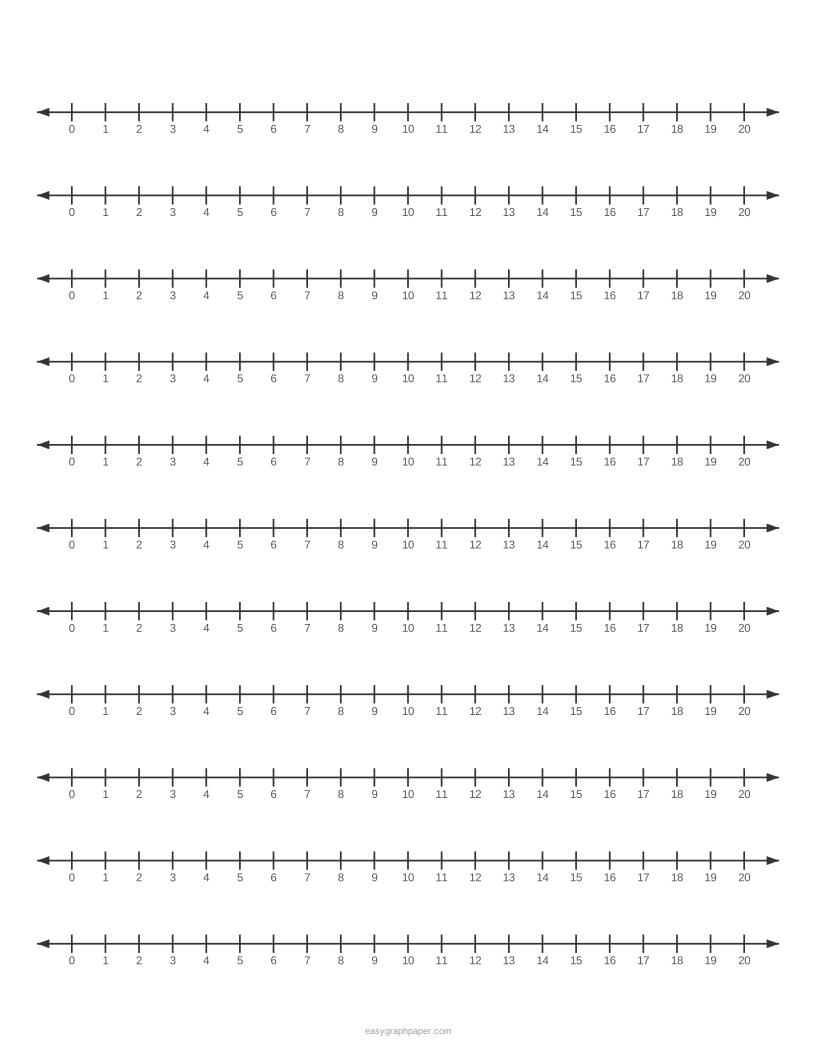
A number line is a straight line with numbers placed at equal intervals, increasing to the right and decreasing to the left. This free number line generator draws one in your web browser so you can print it, save it as a PDF or SVG, or share the settings as a link. It needs no sign-up and no download.
You can choose the range, such as 0 to 20 or −10 to 10, and the spacing between ticks. You can also add fractions, leave the numbers blank for students to fill in, and set the paper size, line colour and page layout. Up to 11 lines fit on one US Letter page.
How to use the number line generator
- Set the start and end of the line. The range can run from −1000 to 1000. Use a preset such as 0–10, 0–20, −10 to 10, 0–100 by 5, quarters from 0 to 3, or decimals 0 to 1 by 0.1 if you want a quick start.
- Choose the tick spacing: every 1, 0.1, 0.2, 0.25, 0.5, 2, 5, 10, 25 or 100.
- Pick how often numbers appear. You can number every tick, or every 2nd, 5th or 10th tick.
- For fractions, select the parts between whole numbers, from halves to twelfths, and choose whether to show the written fractions.
- For practice sheets, turn on blank lines so the ticks have no numbers.
- Set the lines per page, either to fill the page or to a set number from 1 to 10.
- Choose the paper size and orientation, then pick the line colour and line weight. Add arrowheads if you want them.
- Under Page and print settings, set the margin, an optional title, a Name and Date line, and the number of pages. You can also switch off the small site address in the bottom margin.
- Use Print, Download PDF, SVG or Copy link below the preview. Copy link stores every current setting.
To keep the ticks at the correct size, print at 100% or “Actual size” and turn off “Fit to page” or “Shrink to fit” in the print dialog. Fitting to the page shrinks everything slightly.
What is a number line?
A number line is a straight line with numbers at equal distances. Numbers increase from left to right and decrease from right to left, and negative numbers sit to the left of zero.
What is a number line in maths?
In maths, a number line shows the order of numbers and the distance between them. Each point on the line matches one number, so you can compare values by seeing which is further right. The distance between two points is the difference of their numbers.
How to make a number line
Start by choosing a range that covers the numbers you need, such as 0 to 20. Mark zero, then place the other whole numbers at equal intervals in order. Keep the spacing the same throughout, because equal gaps are what make the line accurate. Label each tick, or leave some blank for practice.
Example of a number line
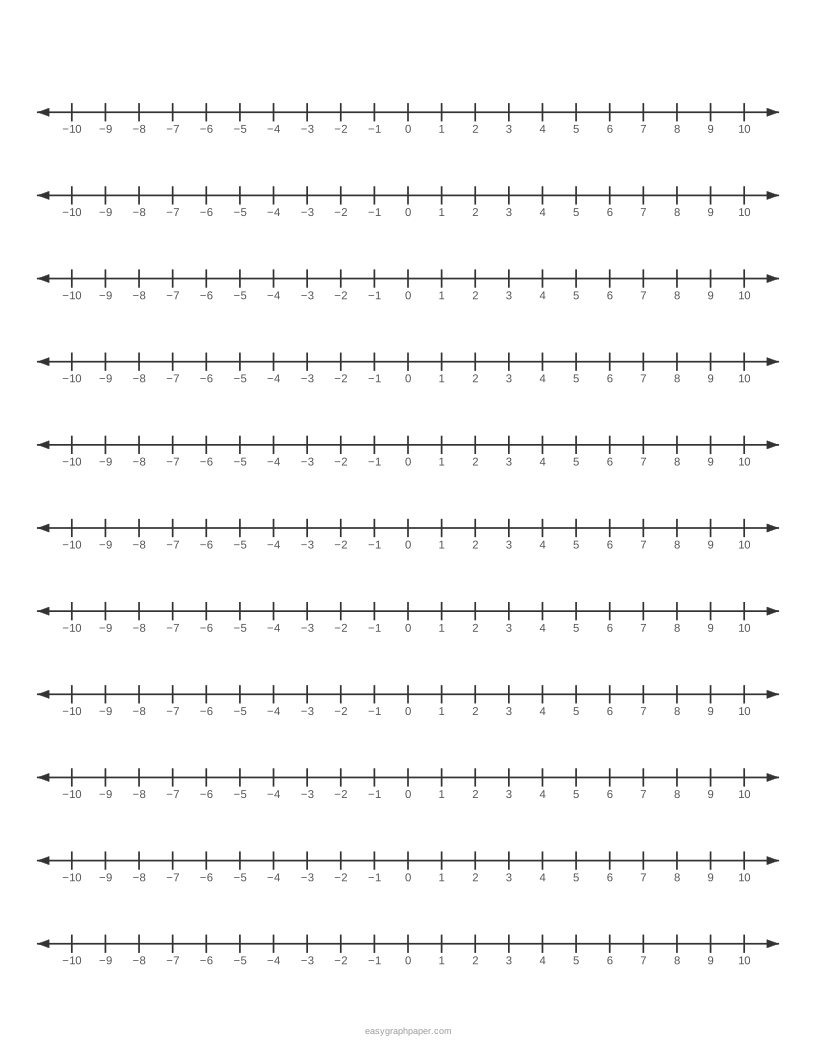
Take the range −10 to 10 with a tick every 1. Zero sits in the middle, the positive numbers run to the right, and the negative numbers run to the left. To find 7, start at zero and count seven ticks to the right.
What is number line addition?
Adding on a number line means moving right. To work out 3 + 4, start at 3, jump 4 steps to the right and land on 7. Subtraction means moving left, so 5 − 8 starts at 5, moves 8 steps left and lands on −3. This is why a negative number line helps when subtracting a larger number from a smaller one.
What is a fraction on a number line?
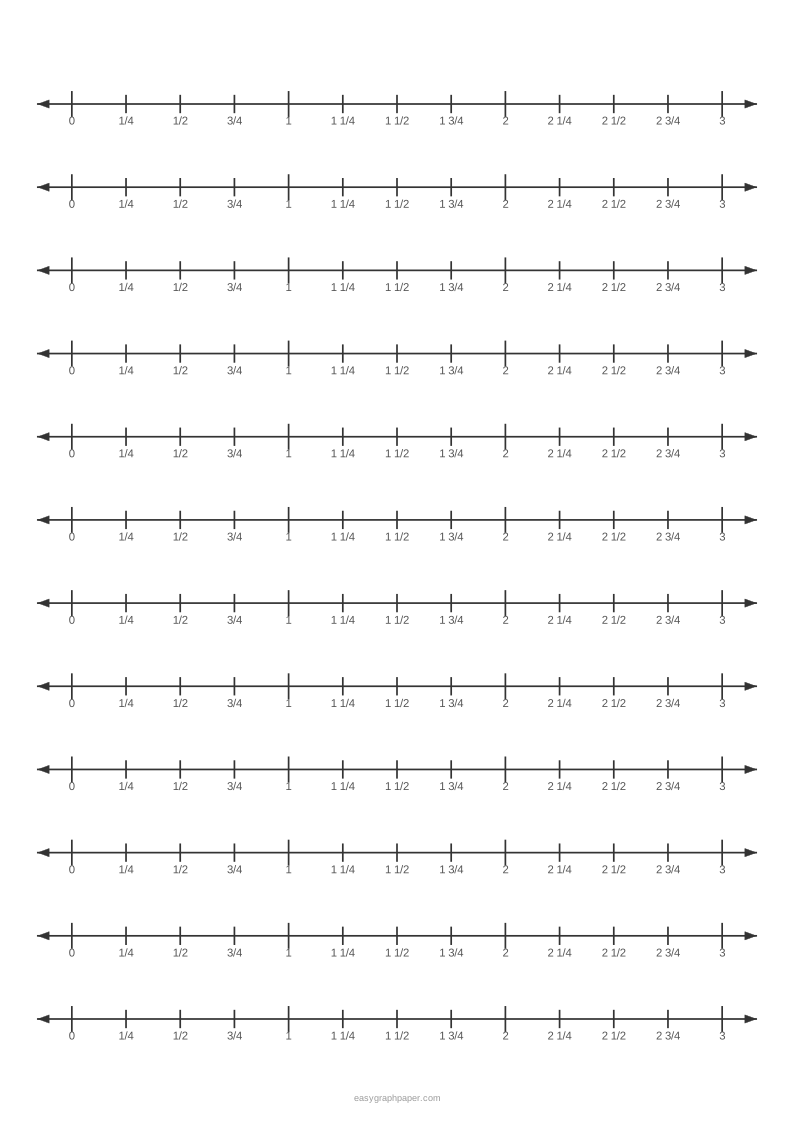
A fraction on a number line is a point between two whole numbers. Divide each whole-number gap into equal parts. For quarters, each gap has 4 parts, so 3/4 is the third tick after 0, and 5/4 is the first tick after 1. The denominator tells you how many equal parts there are in each whole, and the numerator counts how many of those parts to move along.
Examples made with this generator
Frequently asked questions
Is the number line generator free?
Yes. It runs in your web browser, and you do not need to sign up or download anything.
Can I make a number line to 100?
Yes. Set the range from 0 to 100 and choose a tick every 1, or use the preset 0–100 by 5 for fewer ticks. Numbering every 5th or 10th tick keeps the labels easy to read.
Can I make a negative number line?
Yes. Set the start to a negative value, such as −10, and the end to a positive value, such as 10. Zero will sit in the middle, with negative numbers on the left.
Why does my printout look smaller than the preview?
The print dialog may be set to fit the page, which shrinks the sheet slightly. Choose 100% or “Actual size” and turn off “Fit to page” or “Shrink to fit”.
Can I print several number lines on one page?
Yes. Set the lines per page to fill the page or to a number from 1 to 10. You can also set the number of identical pages in the PDF, up to 50.
Will the generator remember my paper size?
Yes. Your browser stores the paper size you chose last time. You can also use Copy link to save all your settings.
Can I use decimals or fractions on the line?
Yes. Use a tick spacing of 0.1, 0.2, 0.25 or 0.5 for decimals and parts of a whole. For fractions between whole numbers, choose halves to twelfths, with or without written fractions.
Related paper templates
- Coordinate plane: Use this when you need to plot points on both an x-axis and a y-axis.
- 10x10 grid: Use this for hundreds charts, counting and percentages on a 10 by 10 grid.
- Grid paper: Use this for drawing shapes or graphs by hand on squared paper.
- T chart template: Use this to sort or compare two columns of information.
- Graph paper generator: Use this to make custom graph paper in your chosen size and spacing.
- 1 cm graph paper: Use this when you need printable paper with 1 cm squares.