Millimeter Graph Paper
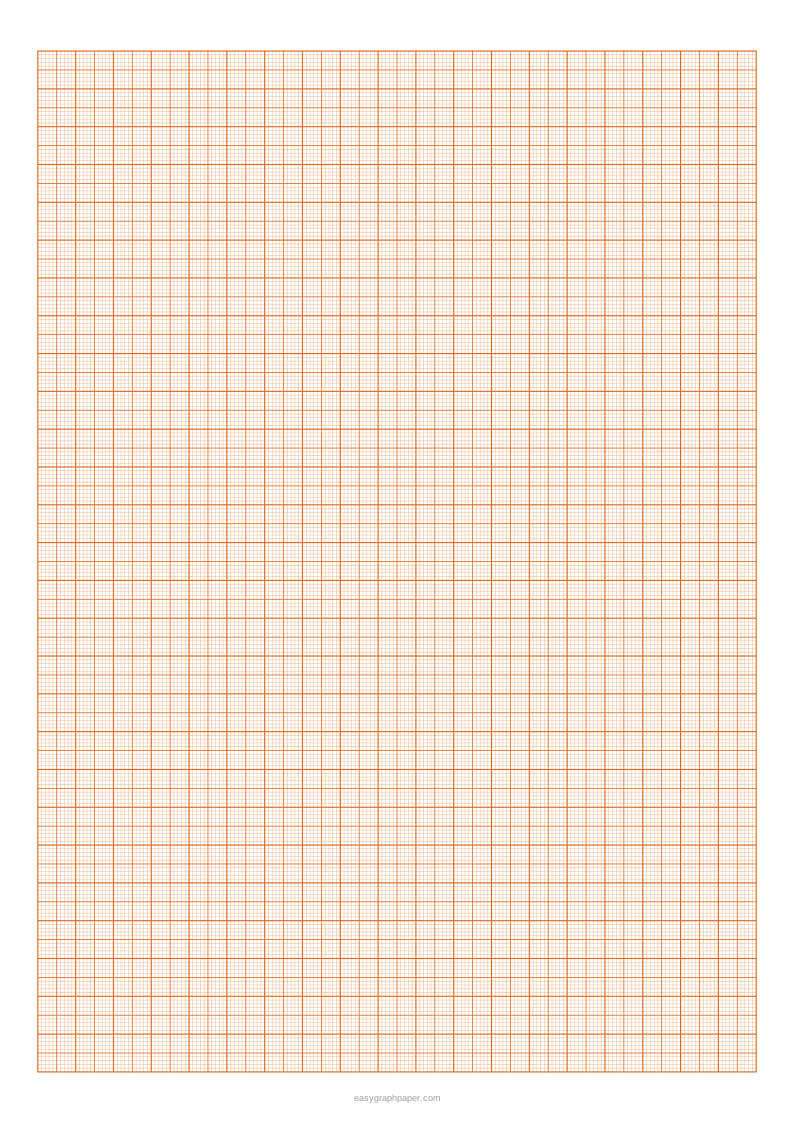
Classic metric graph paper: 1 mm squares, medium lines every 5 mm and heavy lines every centimetre.
How to make millimeter graph paper
- Choose a paper size: US Letter, A4, US Legal, Tabloid, A3 or A5. Then pick portrait or landscape.
- Set the square size. Use the 1 mm, 2 mm or 5 mm preset, or type a custom size in millimetres or inches.
- Set the heavy line spacing (every 10 squares by default, or every 2, 4, 5 or 8) and the medium line spacing (every 5 squares by default, every 2, or none).
- Keep “Only whole blocks” ticked so the grid ends on a heavy centimetre line on every side.
- Pick a line colour: the default is the classic orange, and light blue, grey, black, green, red, purple or a custom colour are in the menu. Choose a line weight: fine, normal or bold.
- Open Page and print settings. Set the margin, add an optional title, an optional Name and Date line, and the number of pages (1 to 50). You can also switch off the small site address in the bottom margin.
- Check the preview. The line under it reports how many squares fit, such as 190 × 270 squares of 1 mm on A4.
- Click Print, Download PDF, SVG or Copy link.
For squares of the correct size, print at 100% or “Actual size” and turn off “Fit to page” or “Shrink to fit” in your print dialog. Fitting to the page shrinks every square slightly. Copy link saves all your current settings in one link, so you can recreate the same sheet later or share it. The page also remembers the paper size you chose last time.
What is millimeter paper?
Millimeter paper is graph paper where each square measures 1 mm on each side. Ten squares across make 1 cm, so you can read a length directly to the nearest millimetre by counting squares. Because the squares are so small, the grid works well for plotting points or drawing to scale.
Heavier lines mark every 5 mm and every 10 mm (1 cm). These lines let you count groups of squares at a glance, so you do not have to count every single one. The generator keeps the grid made of whole squares and centres it inside the margins, so every square is exactly the size you chose.
What is 2mm graph paper?
2mm graph paper has squares that measure 2 mm on each side. It is less dense than 1 mm paper, which makes it easier to draw on and read in some school systems, for example for graph work where 1 mm squares are too crowded. In this generator, the 2 mm preset puts a heavier line every 5 squares, so each heavy line still marks 1 cm.
The 5 mm preset works the same way on a larger scale, with a heavier line every 2 squares. Each preset keeps the 1 cm heavy line, so you can switch between sizes without changing how you measure. Use 2 mm or 5 mm when the graph will be drawn freehand and 1 mm when values must be read precisely.
How to read millimetre graph paper
Count whole centimetres along the heavy lines first, then the medium 5 mm line if you have passed it, then the remaining single squares. A point 3 heavy lines, 1 medium line and 2 small squares from the edge sits at 3 cm + 5 mm + 2 mm = 37 mm. In a lab graph, choose a scale such as 1 cm = 1 unit so readings convert directly.
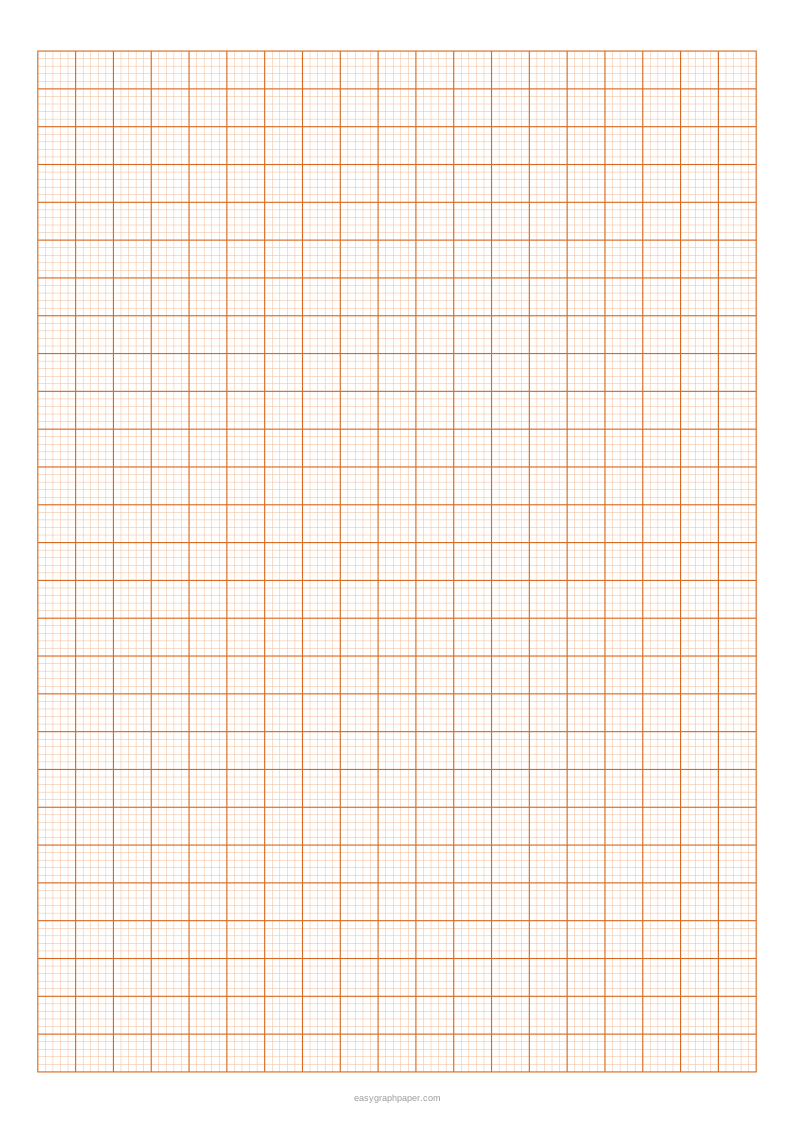
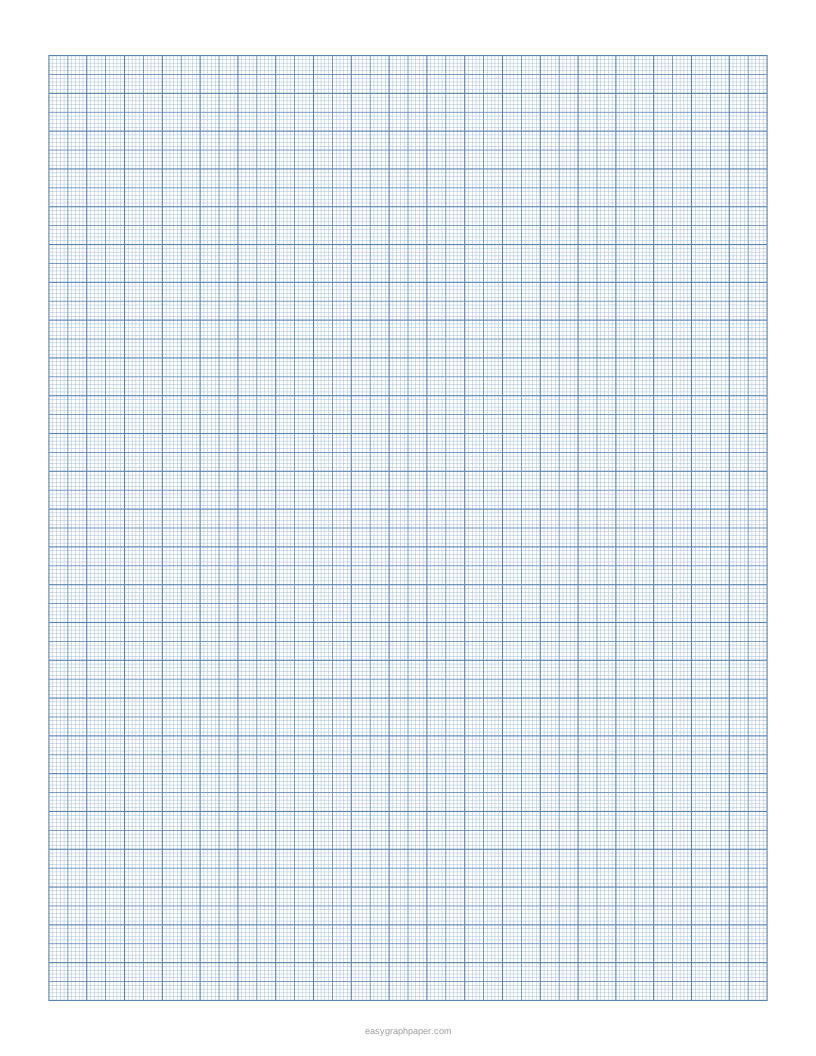
Examples made with this generator
Frequently asked questions
How many squares are on A4 1 mm graph paper?
A4 paper is 210 × 297 mm. With the default 10 mm margins, the 1 mm grid is 190 × 270 mm, which gives 19 × 27 one-centimetre blocks and 51,300 squares of 1 mm.
Will a printer print 1 mm lines accurately?
A printer can reproduce 1 mm squares, but only if you print at actual size. Choose 100% or “Actual size” and turn off “Fit to page” or “Shrink to fit”, because fitting to the page makes every square slightly smaller. The fine line weight is preset for 1 mm paper so the grid does not look grey, and the PDF keeps lines sharp. Check one square with a ruler after printing to confirm the size.
Can I print more than one page?
Yes. In Page and print settings, you can set the number of pages in the PDF from 1 to 50. Every page in the PDF is identical, so this is useful when you need several sheets of the same grid.
Why is millimetre graph paper often orange?
Orange, green and blue are traditional colours for printed metric graph paper because pencil and ink stand out clearly on them. The colour has no effect on the measurements; pick whichever you find easiest to read.
Is it free to use?
Yes. The generator is free, there is no sign-up, and nothing is uploaded: the grid is drawn in your browser.
Related paper templates
- 1 cm graph paper: Use this when you want larger squares, with each square measuring 1 cm.
- Graph paper generator: Use this when you want to make graph paper with a different square size or layout than the millimetre presets.
- Grid paper: Use this when you want a plain grid for sketching, planning or general layout work.
- Engineering paper: Use this when you need a grid designed for engineering drawings.
- Log graph paper: Use this when your data needs a logarithmic scale rather than even spacing.
- Polar graph paper: Use this when you are plotting points by angle and distance from a centre.