Ledger Paper (Accounting Ledger Printable)
Choose a general ledger, a general journal or a columnar pad and print it ruled for pen-and-paper bookkeeping.
Recent
Your last 10 settings, saved only in this browser. Nothing is uploaded.
At a glance
Ledger Paper is a free browser tool that makes printable accounting paper: a general ledger, a general journal or a columnar pad with 2 to 16 money columns, as a print or a PDF.
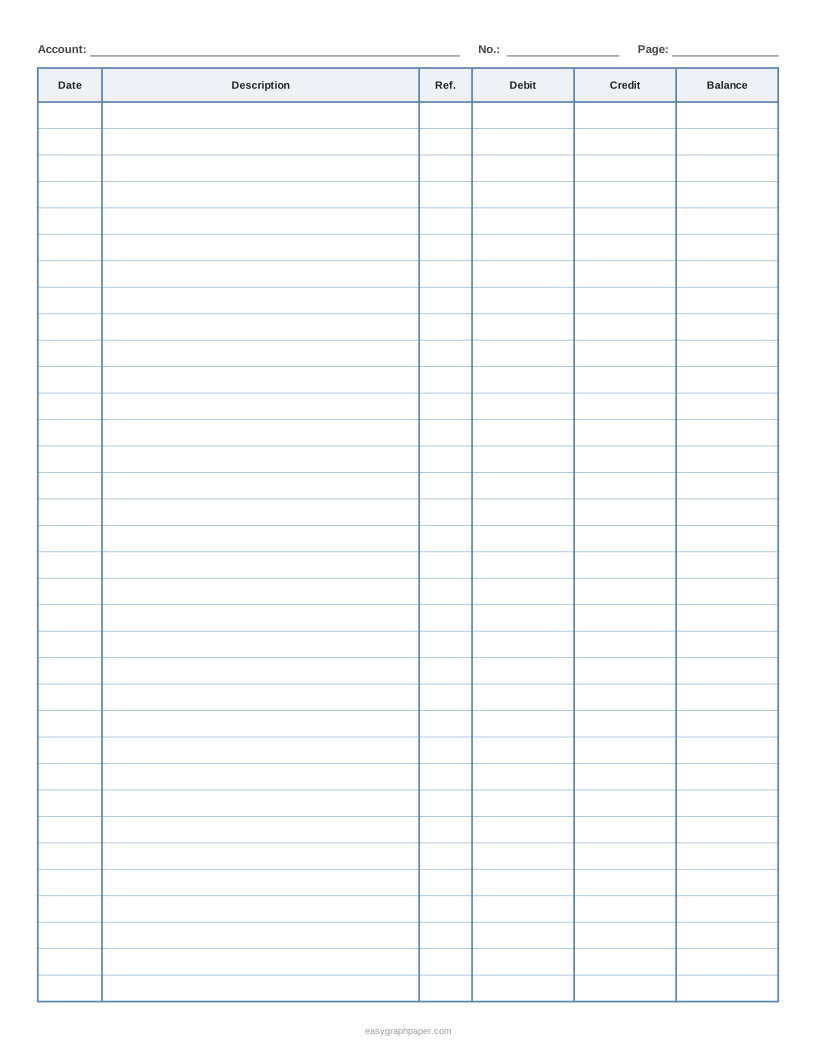
- The general ledger layout has Date, Description, Ref., Debit, Credit and Balance columns.
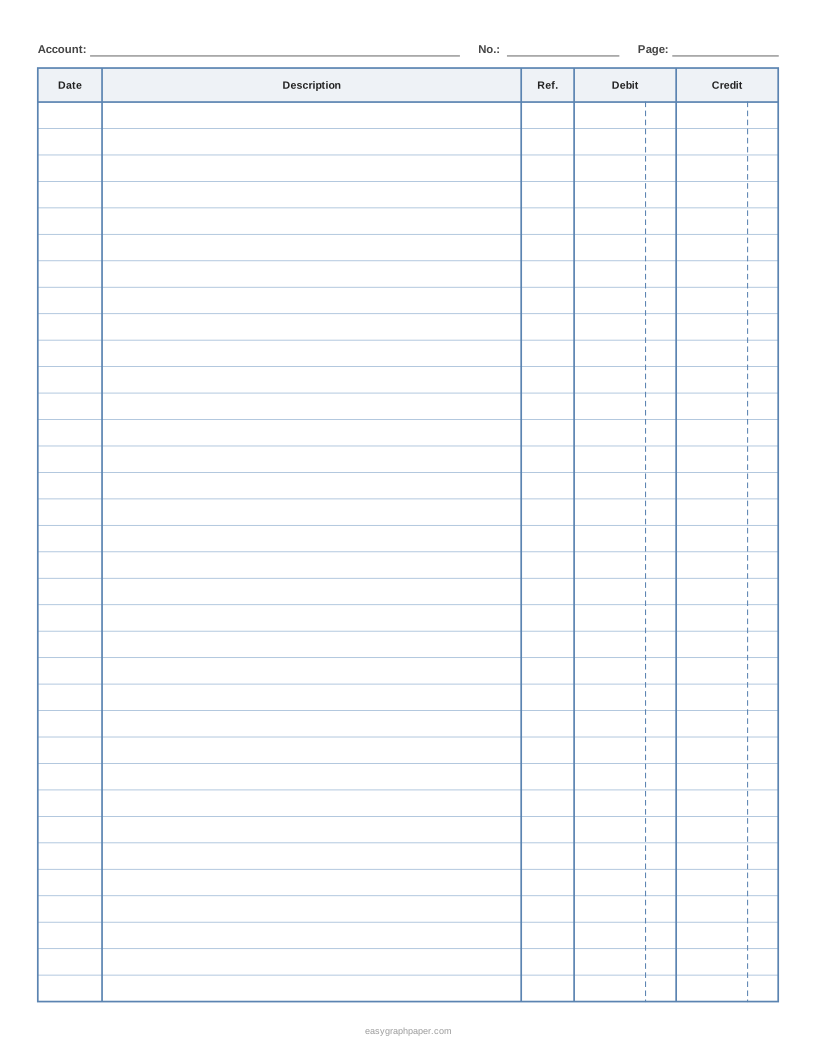
- A general journal has the same columns without the Balance column.
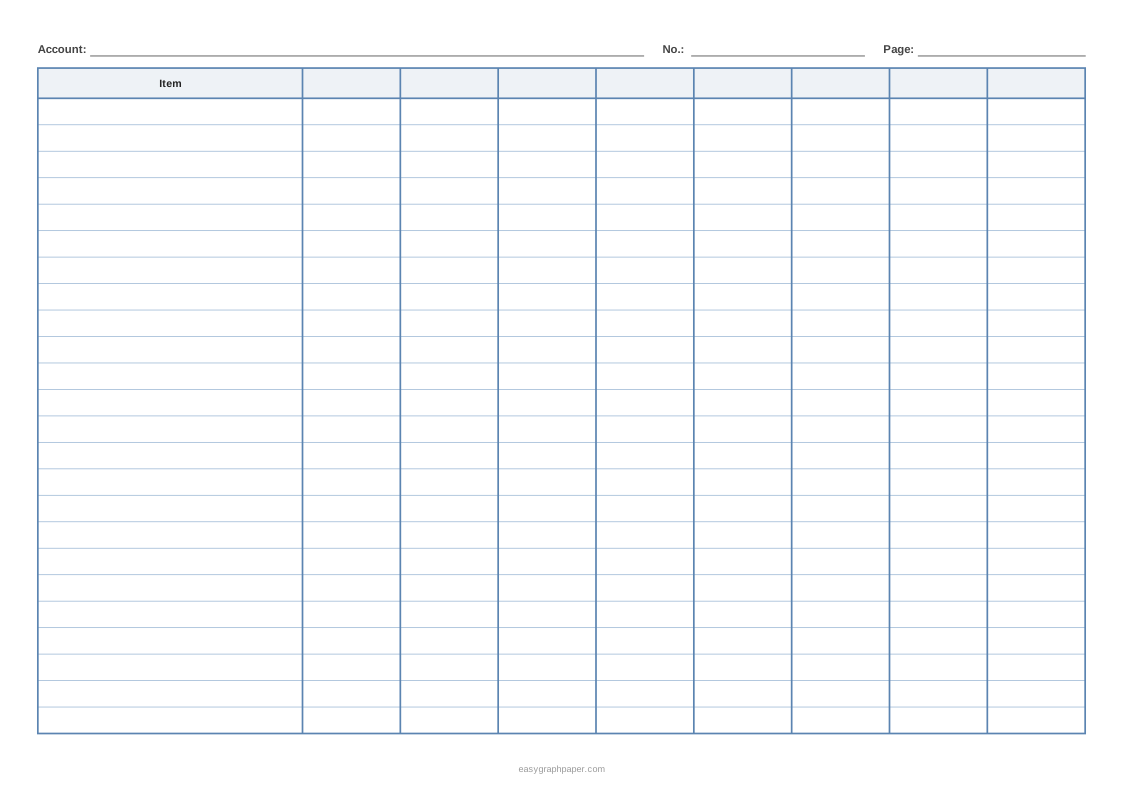
- A columnar pad has a description column and 2 to 16 money columns.
- On US Letter portrait, 7 mm rows give 34 rows and 8 mm rows give 30.
- The tool is free, needs no sign-up, and nothing you type is uploaded.
Sources: General ledger template (QuickBooks) (checked 2026-10-17)
Reviewed
How to make ledger paper
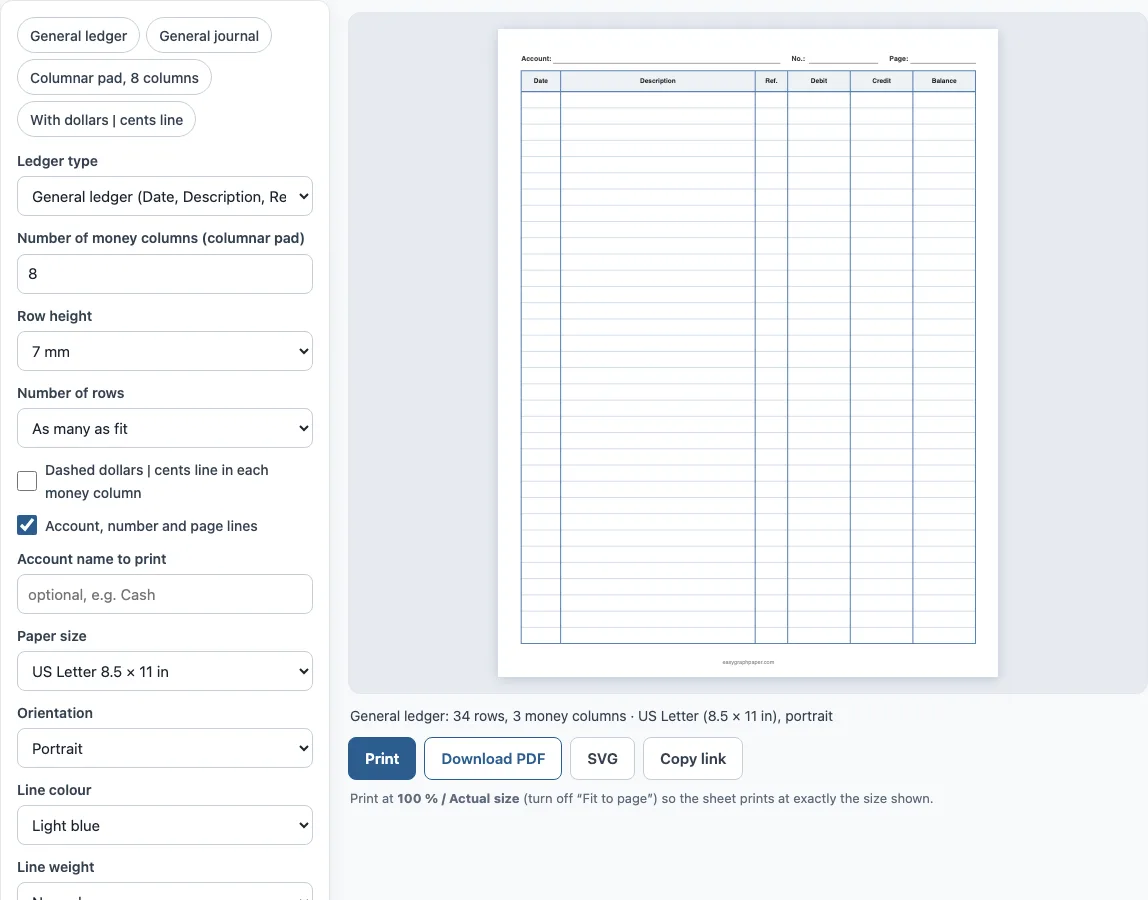
- Choose the ledger type. General ledger has Date, Description, Ref., Debit, Credit and Balance. General journal drops the Balance column. Columnar pad has a description column and numbered money columns.
- For a columnar pad, set the number of money columns, from 2 to 16. Eight columns on landscape Letter leave plenty of width for the description.
- Pick a paper size and orientation. Landscape suits columnar pads, and portrait suits ledgers and journals.
- Choose a row height: 6 mm, 7 mm, 8 mm, 1/3 in or 10 mm. Smaller rows give more lines per page.
- Turn on the dashed dollars and cents line if you want the amounts to stay aligned in each column.
- Type an account name, such as Cash, to print it at the top, or leave it blank for a line to write on. You can also switch off the account, number and page lines.
- Choose the line colour and weight, add a title, and set up to 50 pages.
- Click Print or Download PDF. Print at 100% or “Actual size”. Copy link saves the settings. For the best result, print one page first and check that the columns line up with your pen.
Bookkeepers often keep one page per account, so print several copies and label each with its own account name before you start writing.
What is ledger paper?
Ledger paper is paper ruled for keeping accounts by hand. It has a wide column for the description and a few narrow ones for amounts. Accountants use it for ledgers, journals and worksheets, and small businesses, clubs and households use it to record income and expenses. The point of the ruling is alignment: when every amount sits in its own column, adding a column down the page is easy and mistakes stand out.
What columns does a general ledger have?
A general ledger page usually has Date, Description, Reference, Debit, Credit and Balance. The reference links the line to a source document or journal entry, so you can trace it later, and the balance column keeps a running total for the account. That is the layout of the “General ledger” setting. Each account gets its own page, such as Cash or Accounts Receivable, so use the account name box to label it. The QuickBooks guide in the sources describes the same columns.
What is the difference between a ledger, a journal and a columnar pad?
A journal is where transactions are first written down in date order, with the debit and credit for each. A ledger collects the same entries by account, with a balance. A columnar pad is a freer layout: you name each column yourself, for example Rent, Wages, Supplies and Total, and use it for budgets, payroll sheets and expense summaries. This tool covers all three.
How many rows fit on a page?
With the default 7 mm rows, US Letter portrait holds 34 rows in the ledger layout and A4 holds 37. A row height of 8 mm gives 30 rows on Letter and 32 on A4. A columnar pad in landscape holds fewer rows, 25 on Letter at 7 mm, because the page is shorter.
Examples made with this generator
Frequently asked questions
What is a ledger paper used for?
It is used to record transactions by hand: sales, payments, expenses, loans, club dues or household spending. The columns keep amounts aligned so they can be added and balanced.
Is a columnar pad the same as ledger paper?
They are close relatives. A columnar pad is ledger-style paper with several money columns, often 4 to 16, that you label yourself. This tool prints it as a setting.
Can I choose how many columns there are?
Yes, for the columnar pad you can choose from 2 to 16 money columns. The general ledger has three money columns and the journal has two.
What is the dollars and cents line?
It is a dashed line near the right of each money column. Write dollars on the left and cents on the right, and totals stay aligned. It is off by default.
Does the paper come with an account name?
You can type one, such as Cash or Petty cash, and it prints at the top with a page line. If you leave it blank, the page has blank lines for the account, number and page.
Can I use these sheets in a product I sell?
Yes. The sheets you make are free for personal and commercial use, including printable bundles, with no credit needed. You may not copy the generator itself to run a competing service (see the terms).
Related paper templates
- Printable check register: Use this when you want a checkbook log with a running balance.
- Printable to-do list: Use this when you want a task list instead of columns of numbers.
- T chart: Use this when you want a two-column organizer for comparisons.
- Grid paper: Use this when you want a plain grid you can rule yourself.
- Engineering paper: Use this when you want a technical grid for calculations.
- Writing paper and planners: Use this to see every planner and writing page.