Knitting Chart Maker
Paint yarn colours or stitch symbols on a stitch-shaped grid, and print the chart with a key and written rows.
How to use the knitting chart maker
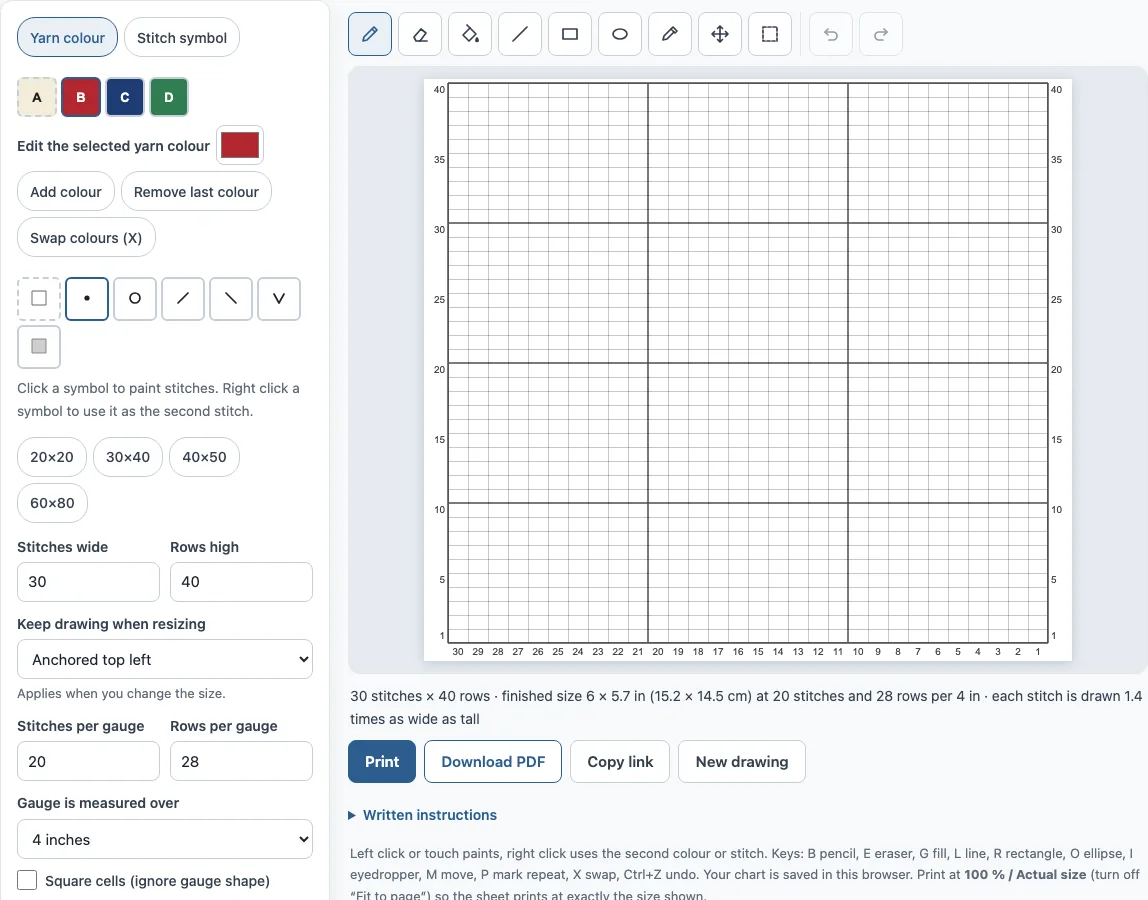
- Set the chart size. Enter Stitches wide and Rows high (default 30 × 40), or choose a preset: 20 × 20, 30 × 40, 40 × 50 or 60 × 80. The largest chart is 200 stitches by 300 rows.
- Enter your gauge in Stitches per gauge and Rows per gauge, measured over 4 inches or 10 cm (default 20 stitches and 28 rows).
- Under What the tools paint, choose Yarn colour or Stitch symbol.
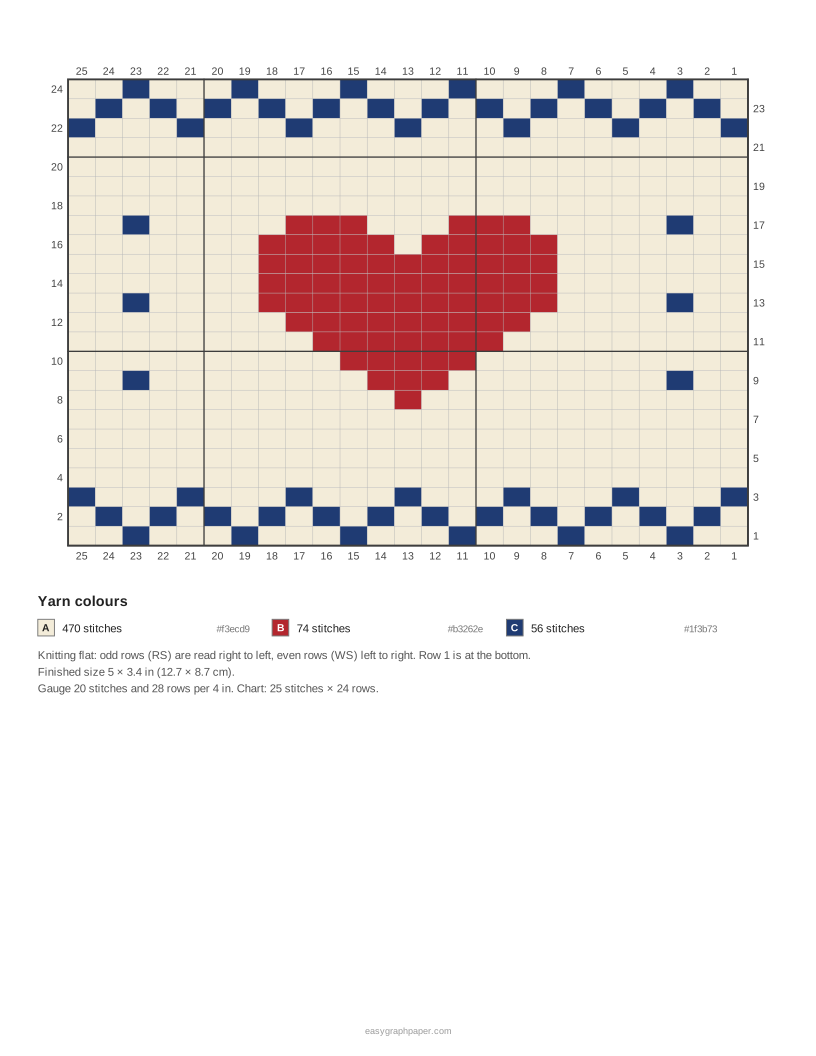
- For yarn colours, paint with Pencil, Fill, Line, Rectangle or Ellipse. The colours are named A, B, C and so on. Start with 4, and add up to 16 or edit and remove them as needed.
- For stitch symbols, pick knit, purl, yarn over, knit 2 together, slip slip knit, slip stitch or no stitch, then paint your squares.
- Adjust your work with Eraser, Eyedropper, Move, the mirror buttons, and undo or redo.
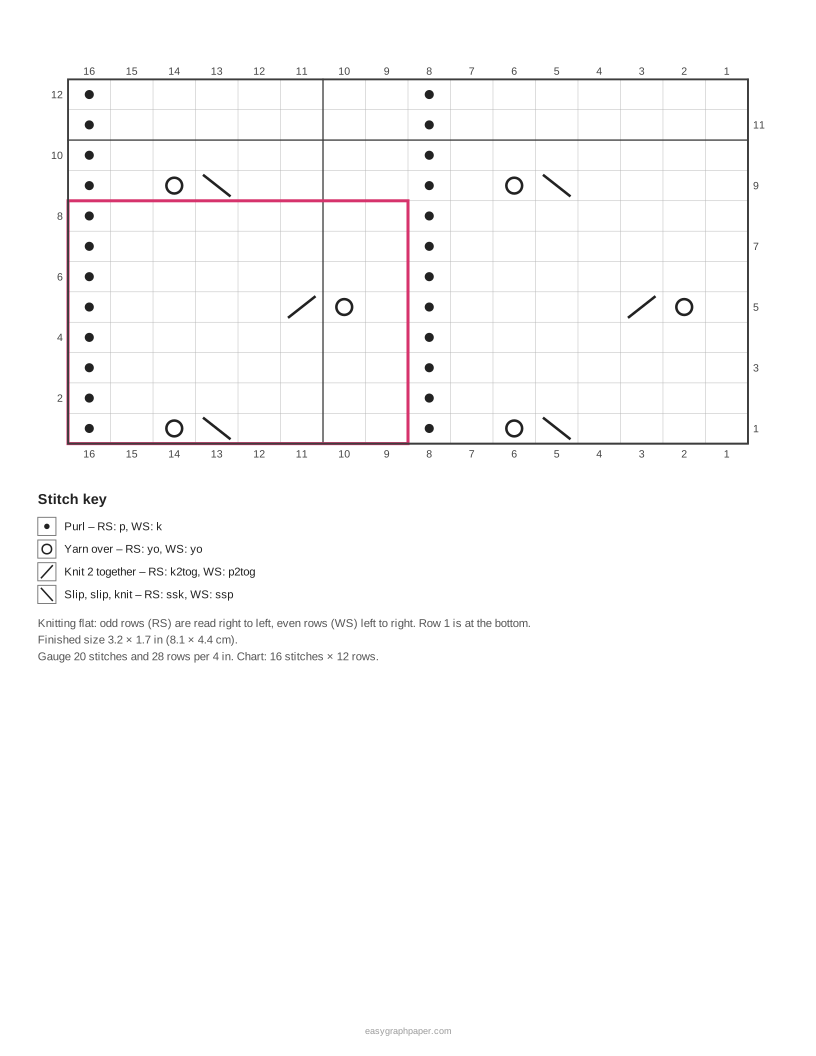
- Use Mark repeat box to outline the stitch and row repeat.
- Check the written instructions. Use Copy text to copy them.
- In the page and print settings, set Print to Colours and symbols, Colours only or Symbols only, tick Add written instructions pages if you want them, then press Print or Download PDF.
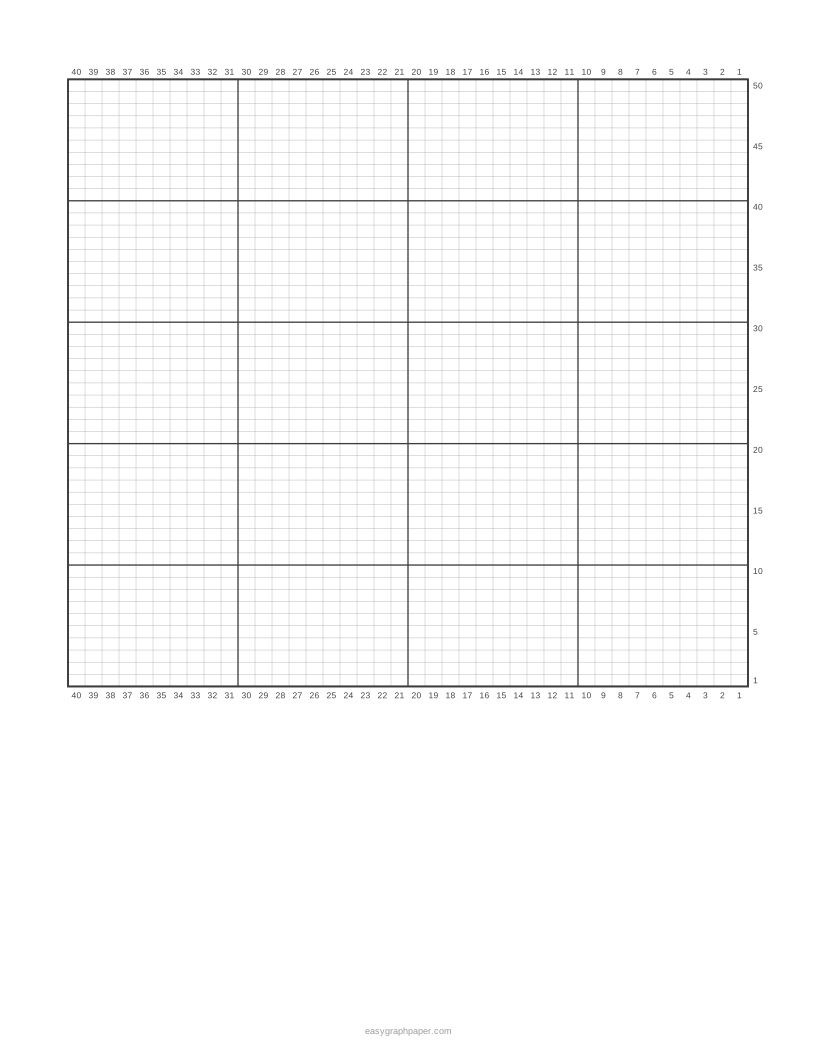
To start from a photo, use Picture to colorwork chart. Choose your picture, set Stitches wide (default 40) and Colours (2–10) (default 4), then paint over any squares you want to change. For an empty sheet, choose Print a blank chart (graph paper only). Large charts print across several pages, starting from the bottom right.
How to read a knitting chart?
Start at the bottom right corner with row 1. When you knit flat, read right-side rows from right to left, and wrong-side rows from left to right. Odd rows are numbered on the right and even rows on the left. In the round, every round is read from right to left.
Each square represents one stitch, and each colour or symbol matches an entry in the key. A repeat box is worked across the row as many times as your stitch count allows, so you only need to chart the pattern once. Stitches are numbered from the right along the bottom edge.
Why are knitting chart squares not square?
A knitted stitch is wider than it is tall, so the squares are drawn in the same proportion. At 20 stitches and 28 rows per 4 inches, each square is 1.4 times as wide as it is tall. This makes the chart look on screen the way the design will look once knitted.
The gauge also changes the finished size. A 30 × 40 chart at 20 stitches and 28 rows per 4 inches measures 6 × 5.7 inches (15.2 × 14.5 cm). If you tick Square cells (ignore gauge shape), the squares are drawn square, but the knitted piece will then look shorter and wider than the chart.
Charts in printed patterns are often drawn on square grids, which is why a motif from a book can knit up shorter than it looked. Designing on gauge-shaped squares avoids that surprise, and the finished size shown on the page tells you how big the motif will be before you cast on. If your swatch changes, type the new gauge and the chart redraws.
Examples made with this generator
Frequently asked questions
How do I make a knitting chart from a picture?
Choose Picture to colorwork chart, then set Stitches wide and Colours (2–10). The picture is resized so its proportions survive the stitch shape, and each yarn colour is picked from the image. You can then paint over any squares. Make sure you have the rights to the picture you use.
What do the knitting chart symbols mean?
The key lists only the symbols used in your chart, with their meaning on right-side and wrong-side rows. A knit square is blank, a purl is a dot, a yarn over is a circle, and a no-stitch square is grey. On a purl dot, you purl on right-side rows and knit on wrong-side rows.
Can I print blank knitting graph paper?
Yes. Choose Print a blank chart (graph paper only). The paper uses squares in the same proportion as your gauge, and the key shows the chart size and gauge.
Can I sell things I make from these charts?
Yes. Designs you draw are your own work, and garments and items you knit from them are yours to sell, for example on Etsy or at a craft fair. If you chart someone else’s picture or character, make sure you have the rights to it.
Does the knitting chart maker work on my phone?
Yes. It runs in your browser on phones and tablets, with no account needed. Pictures are processed on your device and are never uploaded.
Related tools
- Knitting gauge calculator: use it to check your stitch and row gauge before you set up your chart.
- Knitting needle size chart: use it to find the needle size that matches your yarn and pattern.
- Filet crochet chart maker: use it when you want to chart a crochet design in the same grid style.
- Pixel art maker: use it for square-pixel art, sprites and animated GIFs.
- Cross stitch pattern maker: use it to chart a design for cross stitch.
- Cross stitch graph paper: use it when you need printable blank grids for stitching.
- Grid paper: use it for general printable grids for planning or drawing.