Printable Grid Paper
Equal squares in the size you need, centred on the page and drawn true to scale. Print it or download a PDF.
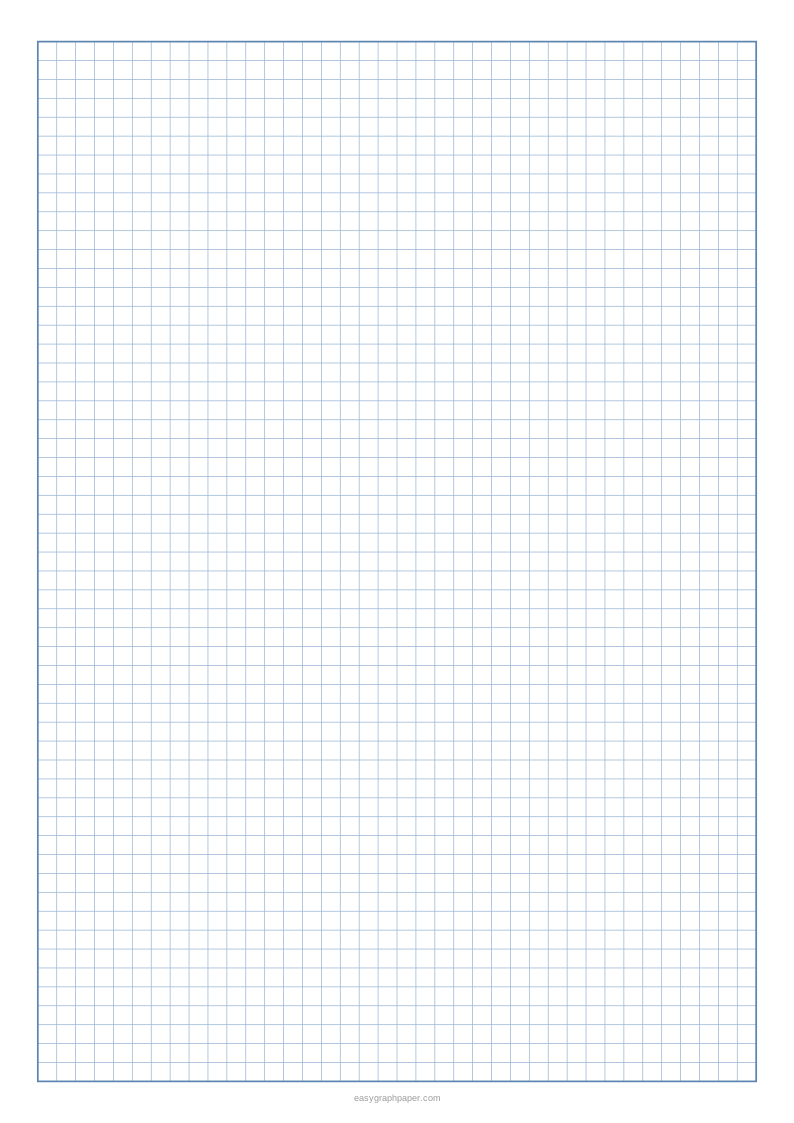
This free grid paper generator makes printable grid paper, a sheet covered in equal squares, right in your web browser. You pick the square size and paper size, adjust the lines and labels, and then print the sheet or save it as a PDF or SVG. Grid paper, graph paper and squared paper are the same thing, so you can use this tool for any of those names.
The default square size is 5 mm, and presets include 1 cm, 1/4 in, 1/2 in, 1 in and 2 cm. You can also type a custom size in millimetres or inches. The generator draws the sheet in your browser, so your settings are not uploaded. It is free and needs no sign-up or download.
How to use the grid paper generator
- Choose a square size. Pick a preset (5 mm, 1 cm, 1/4 in, 1/2 in, 1 in or 2 cm), or enter a custom size in millimetres or inches.
- Choose a paper size: US Letter, A4, US Legal, Tabloid, A3 or A5. Then pick portrait or landscape. The page remembers the paper size you chose last time.
- Set the grid lines. Choose a heavier line every 2, 4, 5, 8 or 10 squares, and keep or remove the heavier outer border.
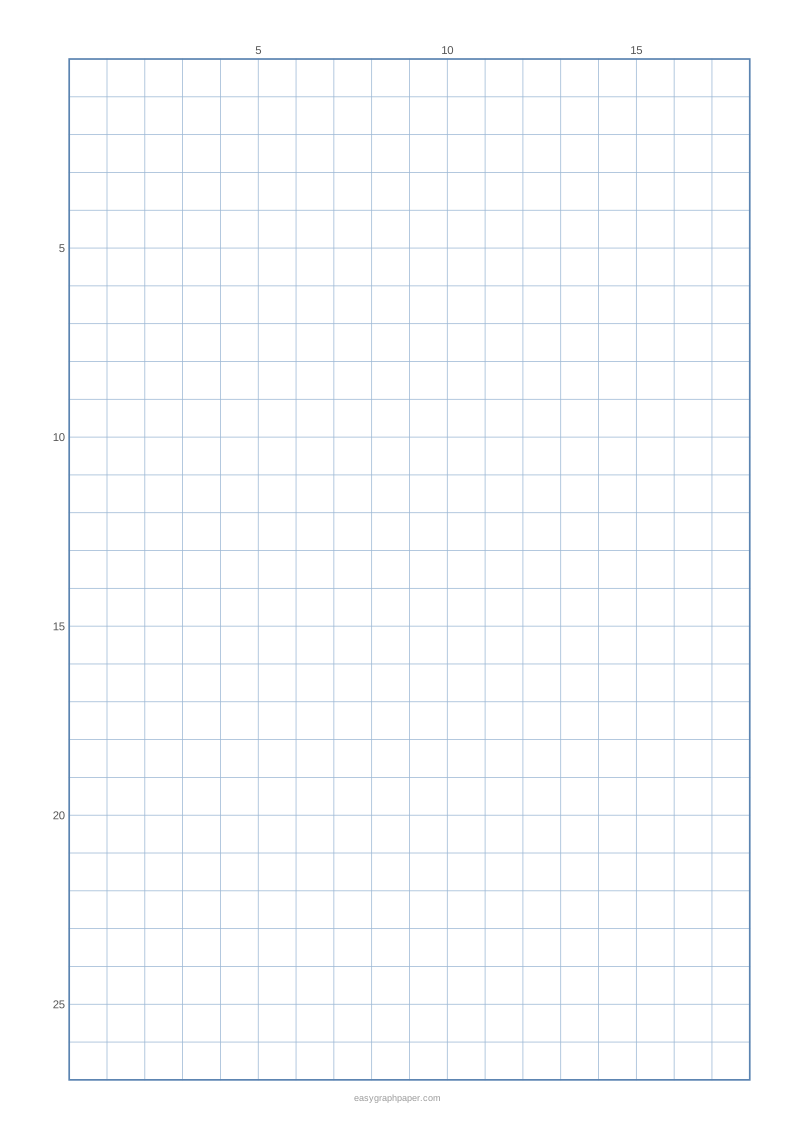
- Add labels if you need them. The edge numbers option labels every line, every 5 or every 10 along the top and left edges.
- Pick a line colour and line weight, then open “Page and print settings” for the margin, an optional title, an optional Name and Date line and the number of pages in the PDF (1 to 50).
- Check the preview. The line under it reports how many squares fit, such as 38 × 55 squares of 5 mm on A4.
- Click Print, Download PDF, SVG or Copy link.
For squares of the exact size you chose, print at 100 % or “Actual size” and turn off “Fit to page” or “Shrink to fit” in the print dialog. Copy link stores all your current settings, so you can recreate the same sheet later or share it.
What is grid paper used for
Grid paper is used for maths, such as plotting points, working out area and keeping columns lined up. It is also used for scale drawings and floor plans, sketching and design, and pixel art and bead patterns. Game maps and handwriting practice are other common uses.
What is grid paper
Grid paper is paper covered with a grid of equal squares. Every square is the same size, so you can measure, count and place marks accurately. The square size you choose decides how much detail fits on the sheet.
How to make grid paper
To make grid paper by hand, rule equally spaced lines in one direction, then rule equally spaced lines across them at right angles. The lines must be parallel and evenly spaced, or the squares will not match. This generator does the same job precisely and saves the result as a vector PDF. It always uses whole squares, centred inside the margins, so every square is exactly the size you chose.
How to print grid paper
Use Print to open your browser’s print dialog, or use Download PDF and print the file. The PDF page is exactly the paper size you chose. In the print dialog, set the scale to 100 % or “Actual size” and turn off “Fit to page” or “Shrink to fit”. Fitting to the page shrinks every square slightly, so the squares will no longer match the size you selected.
How to use grid paper for drawing
The grid method copies a picture one square at a time. First, draw a grid over your reference picture. Then draw a grid on your paper with the same number of squares, using bigger squares if you want to enlarge the picture. Copy what is inside each square, one square at a time. The edge numbers option helps you find each square by its row and column.
What is grid paper called
Grid paper is also called graph paper or squared paper, and all three names refer to the same thing. Squared paper is the usual British term. Use whichever name your school, shop or teacher uses.
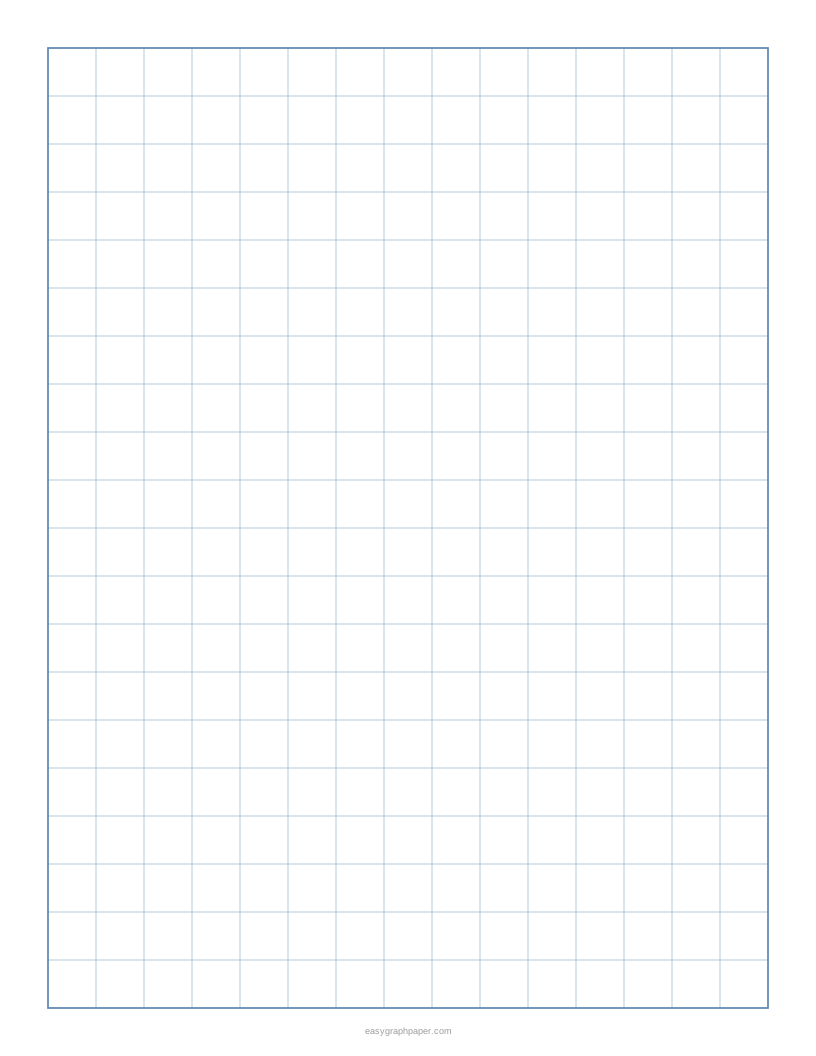
Examples made with this generator
Frequently asked questions
Is this grid paper generator free?
Yes. It is free, runs in your web browser and needs no sign-up or download. Your settings are not uploaded.
What square size should I choose?
The default is 5 mm, which suits most maths and drawing work. On A4 with 10 mm margins, 5 mm squares give 38 × 55 squares, and 1 cm squares give 19 × 27. The preview line shows the count for your settings.
Why do my printed squares look slightly smaller than I set?
Your print dialog is probably set to “Fit to page” or “Shrink to fit”. Choose 100 % or “Actual size” and turn these options off.
Can I print more than one sheet at a time?
Yes. The PDF can contain 1 to 50 identical pages.
Can I add my name or a title?
Yes. You can add an optional title at the top, and an optional Name and Date line.
Can I save my settings and use them again?
Yes. Copy link stores all your current settings, so you can recreate the sheet later or share it. The page also remembers the paper size you chose last time in your browser.
Does the site address print on the sheet?
A small site address appears in the bottom margin. You can switch it off in the page and print settings.
Related paper templates
- Graph paper generator: Use this for general graph paper with the same square options.
- Dot grid paper: Use this if you prefer dots at the grid points instead of lines.
- 1 cm graph paper: Use this when you want a sheet with 1 cm squares ready to go.
- 1 inch graph paper: Use this when you need large squares measured in inches.
- 10x10 grid: Use this for a simple grid of ten squares by ten.
- Pixel art grid: Use this to plan pixel art or bead patterns square by square.
- Graph paper for floor plans: Use this for scale drawings of rooms and buildings.
- Lined paper: Use this for writing practice when you need lines instead of squares.