Engineering Paper Generator
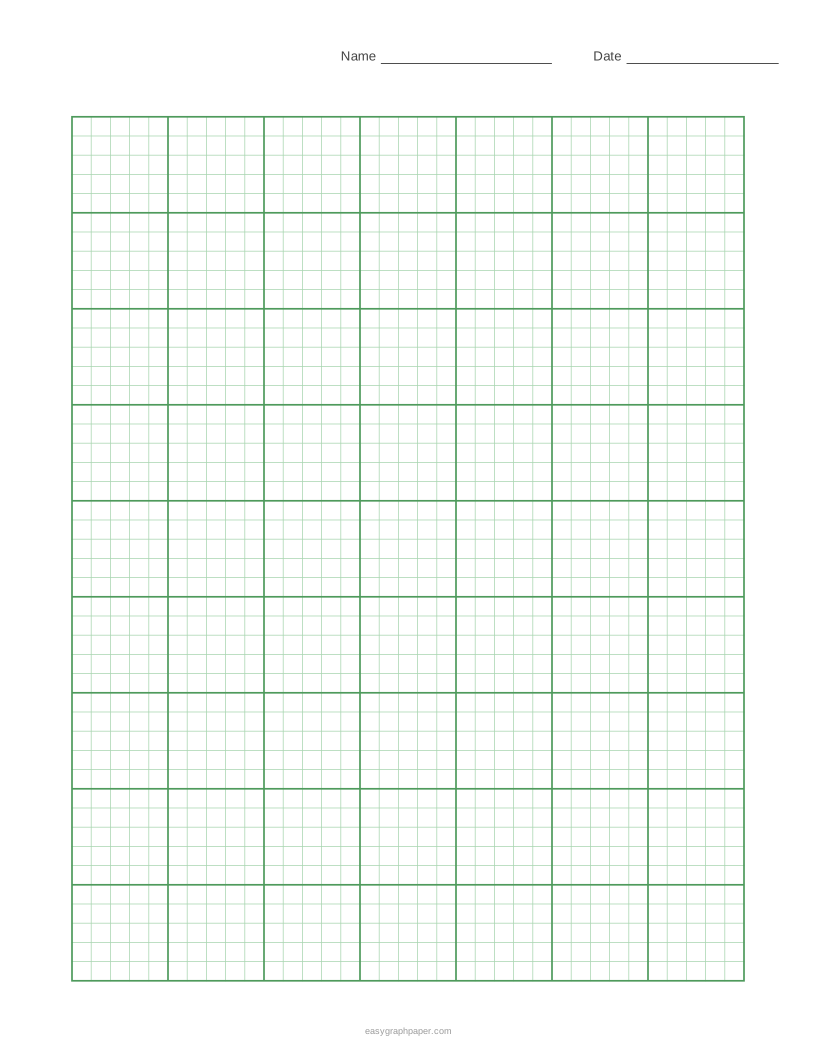
The classic green computation grid, 5 squares per inch with a heavier line every inch, ready to print or save as a PDF.
How to use the engineering paper generator
- Choose a paper size and orientation: US Letter, A4, US Legal, Tabloid, A3 or A5, in portrait or landscape. The page remembers the size you chose last time.
- Set the square size. Pick the 5 per inch default, 4 per inch, 10 per inch or the metric 5 mm version, or type a custom size in millimetres or inches.
- Choose the heavier line: every 5 squares (each inch) by default, or every 2, 4, 8 or 10 squares. Keep “Only whole blocks” ticked so the grid ends on a heavy line.
- Add numbers along the top and left edges, for every line, every 5 or every 10.
- Under Page and print settings, set the margin, then add an optional title (a course or assignment name prints at the top left) and an optional Name and Date line.
- Set the number of pages, from 1 to 50 identical pages, and switch the small site address in the bottom margin on or off.
- Pick a line colour and weight. Check the line under the preview, which reports how many squares fit, such as 35 × 45 squares on US Letter.
- Use Print, Download PDF, SVG or Copy link.
For true-size squares, print at 100% or “Actual size” and turn off “Fit to page” or “Shrink to fit” in your print dialog. Copy link stores all current settings, so you can recreate or share the same sheet later.
What is engineering paper
Engineering paper is a grid paper with small squares, usually 5 to the inch, and a heavier line every inch. The grid is printed pale green, light enough that handwriting and sketches stand out on top of it.
The default here is 1/5 inch (5.08 mm) per square, with a heavier line every 5 squares. Because the heavier line marks each inch, you can count distances quickly when you sketch a diagram to scale. Each sheet is built from whole squares, centred inside the margins, so every square is exactly the size you chose. The grid is also drawn in whole 1-inch blocks, which keeps the blocks tidy when you work across the page.
How to format engineering paper
Engineering homework is easier to check when every page follows the same layout. A common format is:
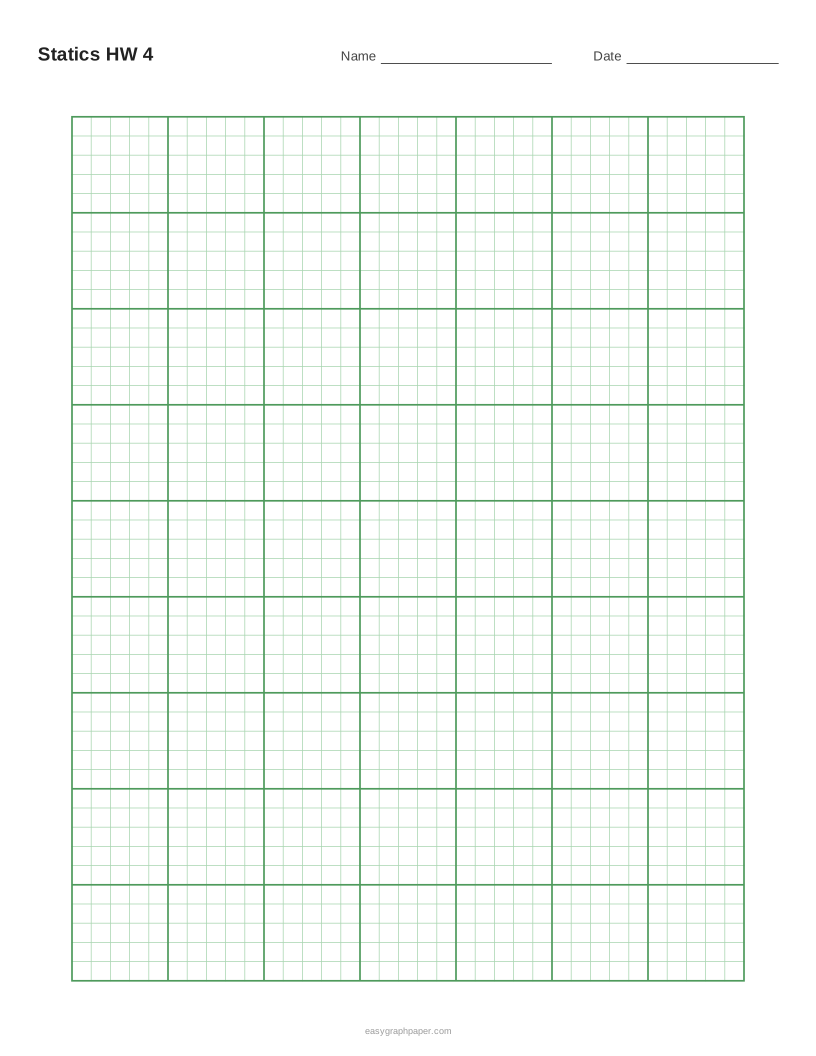
- Write your name, course, date and page number in the header. The title field and Name and Date line on this page can hold these details.
- State the problem in your own words.
- List the given data, and separately what you need to find.
- Draw a sketch, and label it with the values from the problem.
- Show the equations first, then the work step by step, one line at a time.
- Box the final answer and include its units.
- Put one problem on each page, or draw a ruled line between problems.
Keeping each step on its own line makes it easier to follow your reasoning, and it also makes mistakes easier to find.
How to use engineering paper for sketches
Let one square stand for a convenient unit, such as 1 cm, 1 ft or 10 N in a force diagram, and write the scale next to the sketch. The heavier inch lines help you lay out free-body diagrams, beams and circuits with straight, evenly spaced parts, and graphs plotted on the grid can be read back to a fifth of an inch.
Examples made with this generator
Frequently asked questions
What size is engineering paper?
Printed engineering pads are usually US Letter, 8.5 × 11 inches. On US Letter with 10 mm margins and the Name and Date line, the default settings give 35 × 45 squares, or 7 × 9 one-inch blocks.
Is engineering paper A4?
Not always. Pads are usually US Letter, but A4 (210 × 297 mm) is available on this page for users in other countries. Choose it from the paper size list.
Why do my printed squares look slightly smaller than the preview?
Fit to page shrinks every square a little. Print at 100% or “Actual size” with “Fit to page” or “Shrink to fit” turned off.
Can I photocopy engineering paper?
Commercial engineering pads print the grid on the back of the sheet, so it shows faintly through the paper and does not photocopy. A sheet printed from this page has the grid on the front, so the grid may appear on copies.
Do I need to sign up or install anything?
No. The generator is free and needs no sign-up or download. It draws the sheet in your browser as vector graphics, and your settings are not uploaded.
Can I make several identical pages?
Yes. Set the number of pages from 1 to 50 under Page and print settings, and the PDF will contain identical pages. You can also save your settings with Copy link and reopen the same sheet later.
Related paper templates
- Graph paper generator - Use this when you need a general grid for plotting or drawing, with more grid styles than engineering paper.
- 1/4 inch graph paper - Use this when you want a larger square size for sketches or simple charts.
- Grid paper - Use this when you need plain squared paper for maths or layout without the engineering-style heavier lines.
- Log graph paper - Use this when your data spans several orders of magnitude and needs logarithmic scales.
- Polar graph paper - Use this when you are plotting angles and distances from a central point.
- Millimeter graph paper - Use this when you want a metric grid of small millimetre squares for precise drawings.
- Cornell notes template - Use this when you want a structured layout for lecture notes rather than a grid for calculations.