Cornell Notes Template
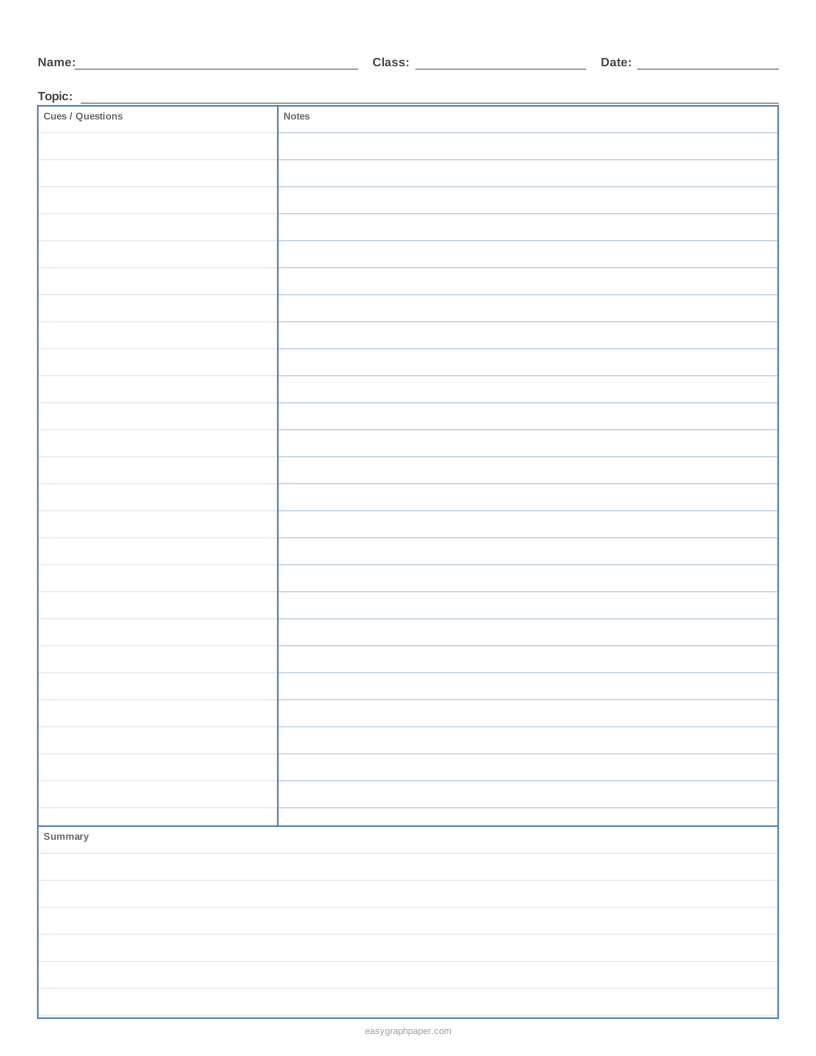
The classic Cornell note-taking page: 2.5 inch cue column, notes area and 2 inch summary, ready to print.
How to use the Cornell notes generator
- Choose a paper size (US Letter, A4, US Legal, Tabloid, A3 or A5) and select portrait or landscape.
- Set the cue column width. The standard is 2.5 in. You can also pick 2 in, 3 in, 5 cm, 6 cm, 7 cm, or type a custom width in millimetres or inches.
- Set the summary height. The standard is 2 in. You can also pick 1.5 in, 2.5 in, 4 cm, 5 cm, 6 cm, or a custom height.
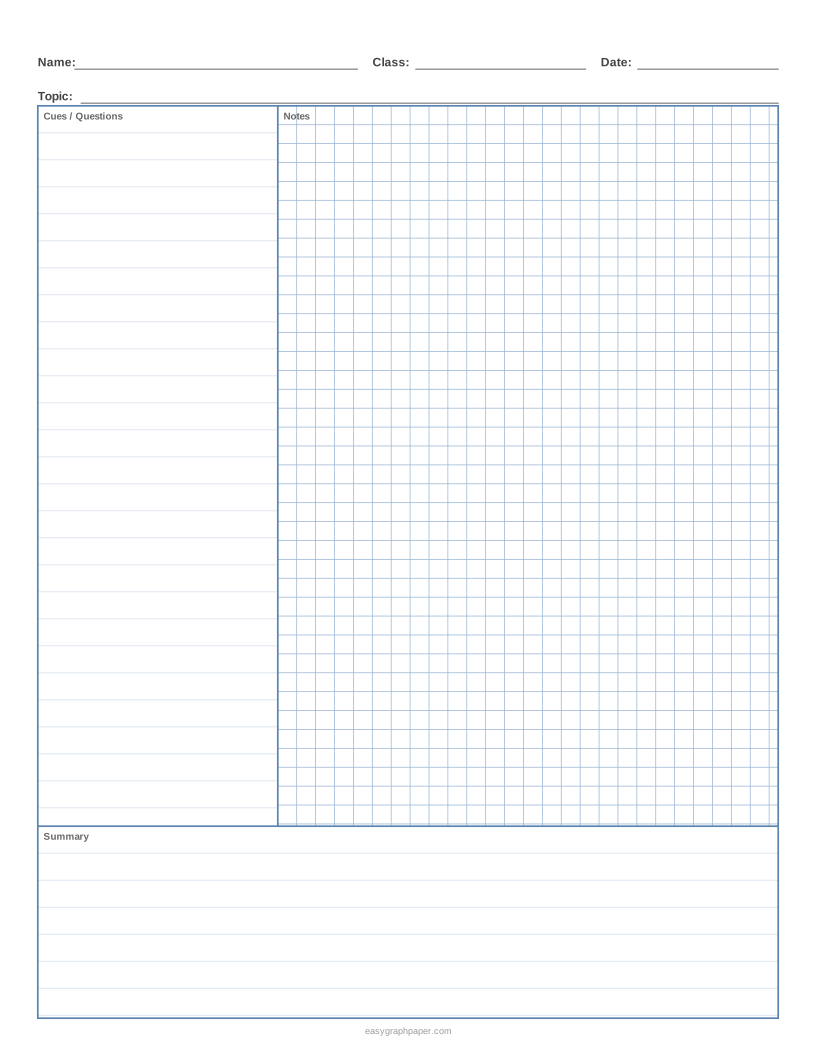
- Choose ruled lines with a spacing of college (9/32 in), wide (11/32 in) or another option, or switch to the 5 mm square grid for the notes column.
- Turn the Name / Class / Date / Topic header on or off, and the small area labels ‘Cues / Questions’, ‘Notes’ and ‘Summary’.
- Under Page and print settings, set the margin, an optional title, the number of pages (1 to 50), and whether the small site address appears in the bottom margin.
- Pick a line colour (light blue, grey, black, green, red, purple or custom) and a line weight (fine, normal or bold).
- Check the preview, then use Print, Download PDF, SVG or Copy link.
Print at 100 % or ‘Actual size’ and turn off ‘Fit to page’ or ‘Shrink to fit’ in the print dialog so the columns and line spacing come out as set. Copy link stores all current settings, so you can recreate or share the same sheet later. The page also remembers the paper size you chose last time in your browser.
What is the Cornell notes method?
The Cornell note-taking system was developed by Walter Pauk, an education professor at Cornell University, in the 1950s. He described it in his book How to Study in College. The method organises notes on one page so you can review them and test yourself after a lesson or reading.
What is Cornell notes format?
The classic Cornell page has three areas. The cue column on the left is narrow, at 2.5 in in the standard layout. The notes column on the right is wide and holds what you write during the lesson. The summary area runs across the bottom and is 2 in tall in the standard layout. A header strip at the top holds your name, class, date and topic.
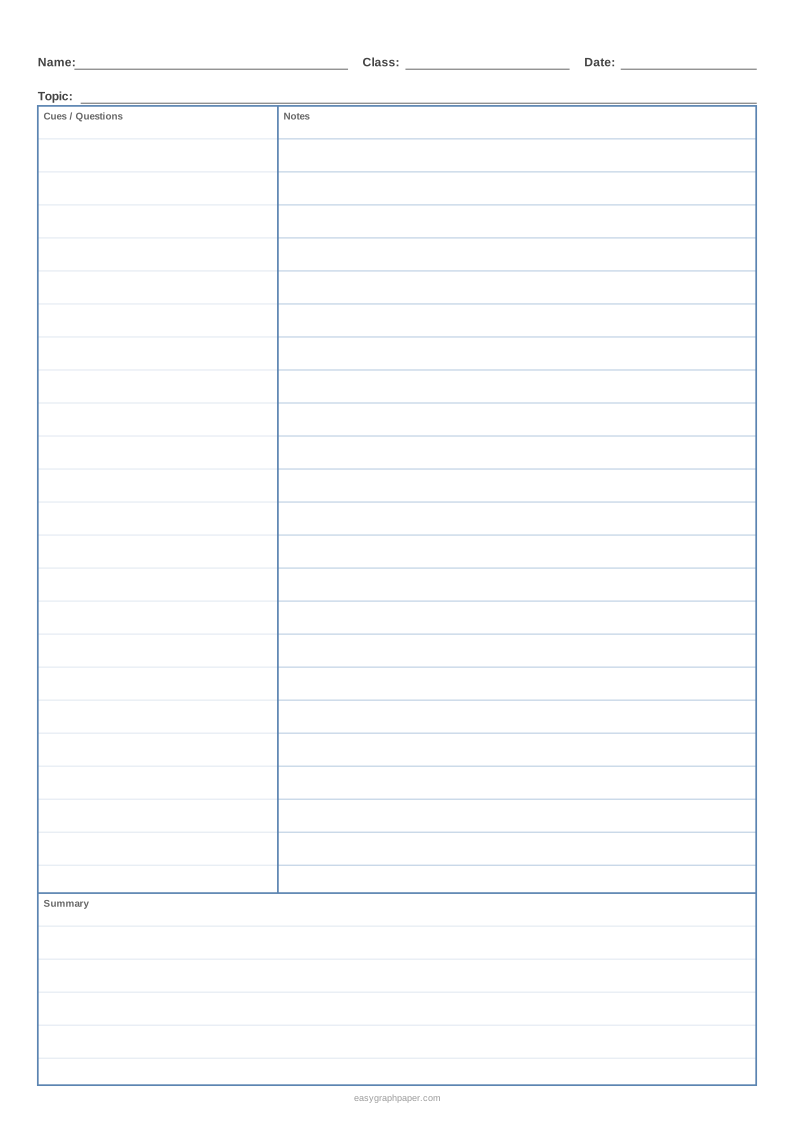
The number of lines depends on the paper and the rule. On US Letter, the classic college-ruled page has 26 note lines, and wide rule gives 21 lines. On A4 with college rule, you get 29 lines.
How to take Cornell notes
The steps below are often listed as the five Rs: Record, Reduce, Recite, Reflect and Review.
- Record: during the lecture or reading, write notes in the right column.
- Reduce: soon after, write questions and key words in the cue column, next to the matching notes.
- Recite: cover the notes and answer the cues aloud, using only your memory.
- Reflect: think about how the ideas connect, and write a two- or three-sentence summary at the bottom of the page.
- Review: go back to the cue column every few days and quiz yourself again before a test.
Writing the cues after the lesson is what turns the notes into a study tool. You can check your answers by uncovering the notes again.
Cornell notes example
Here is a short sample for a biology lesson.
- Notes column: Photosynthesis: plants turn light energy into chemical energy; inputs CO2 + water; outputs glucose + O2; happens in chloroplasts
- Cue column: What goes in and out? / Where does it happen?
- Summary: Photosynthesis uses light to make glucose from CO2 and water in the chloroplasts, releasing oxygen.
How to use a Cornell notes template
A blank Cornell notes template is a sheet with the layout but no text, so you can start writing straight away. Use the square grid instead of lines for maths and science, where you need to draw graphs, diagrams or aligned working. Keep the cue column narrow for short questions and wider if your cues are longer.
Cornell notes template Google Docs
This page makes a PDF to print, not a Google Doc. The sheet is made for handwriting, and it is not an editable Google Docs or Word file. Use Download PDF or Print, then write on the printed page.
Examples made with this generator
Frequently asked questions
Is there a blank Cornell notes template?
Yes. The generator makes a blank Cornell notes sheet with the cue column, notes column, summary area and optional header ready for you to write on.
Can I edit this Cornell notes template in Google Docs or Word?
No. The output is a printable PDF for handwriting, not an editable Google Docs or Word file. Print it or download the PDF instead.
Who invented the Cornell notes method?
Walter Pauk, an education professor at Cornell University, developed the method in the 1950s. He described it in How to Study in College.
Do I need to sign up or download anything?
No. The generator is free, runs in your web browser, and needs no sign-up or download.
Why is the printed layout slightly smaller than I set?
Fit to page or Shrink to fit scales the whole sheet down a little. Print at 100 % or ‘Actual size’ with those options turned off.
Can I print several pages at once?
Yes. Set the number of pages in the PDF from 1 to 50. Each page is identical.
What paper sizes can I use?
You can choose US Letter, A4, US Legal, Tabloid, A3 or A5, in portrait or landscape.
Related paper templates
- Lined paper: use it for plain writing practice or when you do not need the Cornell layout.
- T chart template: use it to compare two ideas side by side in a simple two-column layout.
- Grid paper: use it for graphs, tables and maths working that need a square layout.
- Dot grid paper: use it for sketches, bullet journals or layouts that need light guides without lines.
- Habit tracker: use it to record daily habits in a printable chart.
- Engineering paper: use it for technical drawings and calculations that need a fine grid.