Dot Grid Paper Generator
Dotted paper for bullet journals, lettering and sketching: set the spacing and dot size, then print or download a PDF.

How to use the dot grid paper generator
- Choose a paper size: US Letter, A4, US Legal, Tabloid, A3 or A5, in portrait or landscape.
- Pick a dot spacing (the distance between neighbouring dots): 5 mm (the default), 1/4 in, 1/5 in, 1 cm, 1/2 in or 3 mm, or choose “Custom size” and type a spacing in millimetres or inches.
- Set the dot size to small, medium (the default), large or extra large.
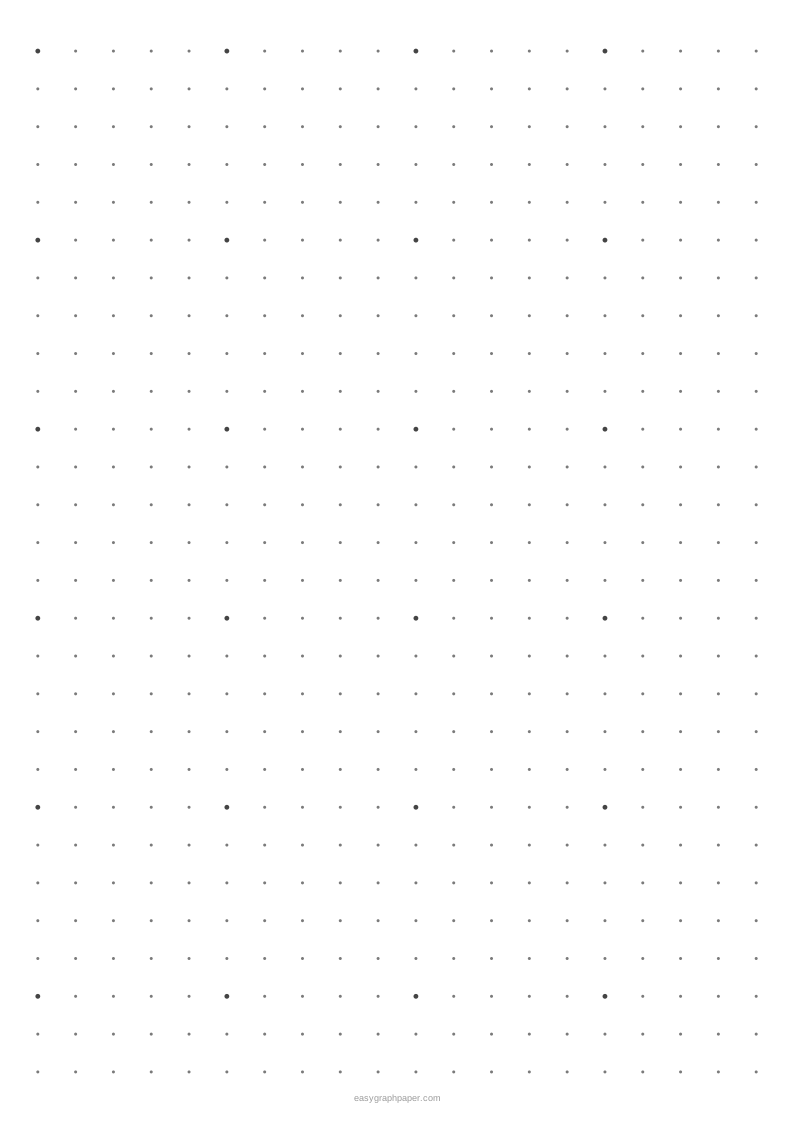
- Optionally, turn on a larger dot every 2, 4, 5, 8 or 10 dots to make counting easier.
- Pick a dot colour (grey by default). Under “Page and print settings”, set the margin, add an optional title at the top, and add an optional Name and Date line. Set the number of pages from 1 to 50.
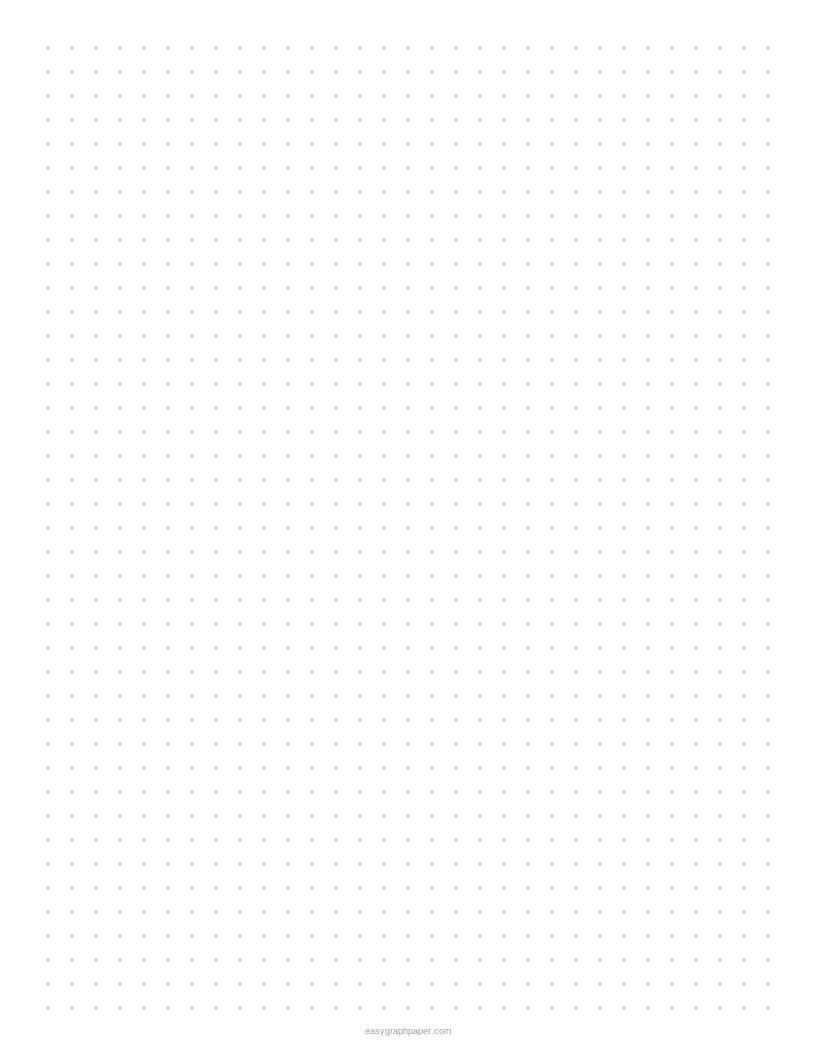
- Check the preview and the line under it, which reports how many dots fit (for example 40 × 52 dots on US Letter), then use Print, Download PDF, SVG or Copy link.
Copy link saves all your current settings in the link, so you or someone else can recreate the same sheet later. The page remembers the paper size you chose last time in your browser. The small site address in the bottom margin can be switched off if you do not want it on your printouts.
What is dot grid paper?
Dot grid paper is a sheet with a small dot at each corner of an invisible square grid, instead of printed lines. Dot paper and dotted paper are other names for the same sheet. The dots mark the grid points, so you can line up straight lines, boxes and lettering while the page stays mostly empty.
The spacing is the distance from one dot to the next, measured across and down. Four dots surrounding an empty square mark its corners. With 5 mm spacing, each square is 5 mm on each side. The spacing also decides how many dots fit on a page. On A4 with 10 mm margins, 5 mm spacing gives 39 × 56 dots, or 2,184 dots in total. On US Letter with the same spacing, the grid is 40 × 52 dots.
Dot grid paper differs from graph paper because graph paper prints every line in full. Those lines can compete with your handwriting and drawings. Dots show the same grid with much less ink, so writing and drawings look cleaner. Each dot is drawn as a true circle, so the grid stays regular.
What is dot grid paper used for?
Dot grid paper is used for bullet journal layouts and planners, notes, hand lettering, sketching, diagrams and UI wireframes, and geometry on a square lattice. The dots help you keep rows, columns and shapes even without drawing lines first. You can count dots to make boxes the same width or to place each item in the same position.
For bullet journals, 5 mm spacing is the one most often used in dotted notebooks, so it is a good starting point. For diagrams and wireframes, a spacing of 1/4 in or 1 cm can give you larger boxes to work with. For geometry on a square lattice, each dot works as a point, so you can plot coordinates and draw shapes by counting steps.
Isometric dot paper is a different sheet. Its dots sit on a triangular lattice, which suits drawings at 60-degree angles. Use dot grid paper when your work runs on right angles.
Examples made with this generator
Frequently asked questions
What is dot paper?
Dot paper is a short name for dot grid paper, and dotted paper is another name for it. If you see isometric dot paper, that is a different sheet, with dots on a triangular lattice instead of a square one.
Which dot spacing is used in bullet journals?
The 5 mm spacing is the one most often used in dotted bullet journal notebooks. It is also the default setting in this tool, so you can start with it and change it later if you need larger or smaller squares.
How do I print dot grid paper at the correct size?
Select Print, then set the scale to 100 % or Actual size in the print dialog. Turn off Fit to page or Shrink to fit. Fitting the sheet to the page shrinks every square slightly, so the spacing will no longer match your chosen size.
Can I print more than one page with the same dots?
Yes. Under Page and print settings, choose the number of pages from 1 to 50. Every page in the PDF is identical, so this is useful for a dot grid printable notebook or practice sheets.
Can I make dot grid paper larger than A4?
Yes. The paper sizes include Tabloid (11 × 17 in) and A3, as well as US Letter, A4, US Legal and A5.
Related paper templates
- Graph paper generator - Use this when you need full grid lines instead of dots.
- Grid paper - Choose this for a standard square grid on the page.
- Isometric graph paper - Use this for drawings at 60-degree angles.
- Lined paper - Pick this for writing practice or classic notes.
- Habit tracker - Use this to track daily routines in a printed layout.
- Cornell notes template - Choose this for structured note-taking with cues and summaries.
- 1/4 inch graph paper - Use this when you want a fine square grid with 1/4 in squares.