Printable Coordinate Plane
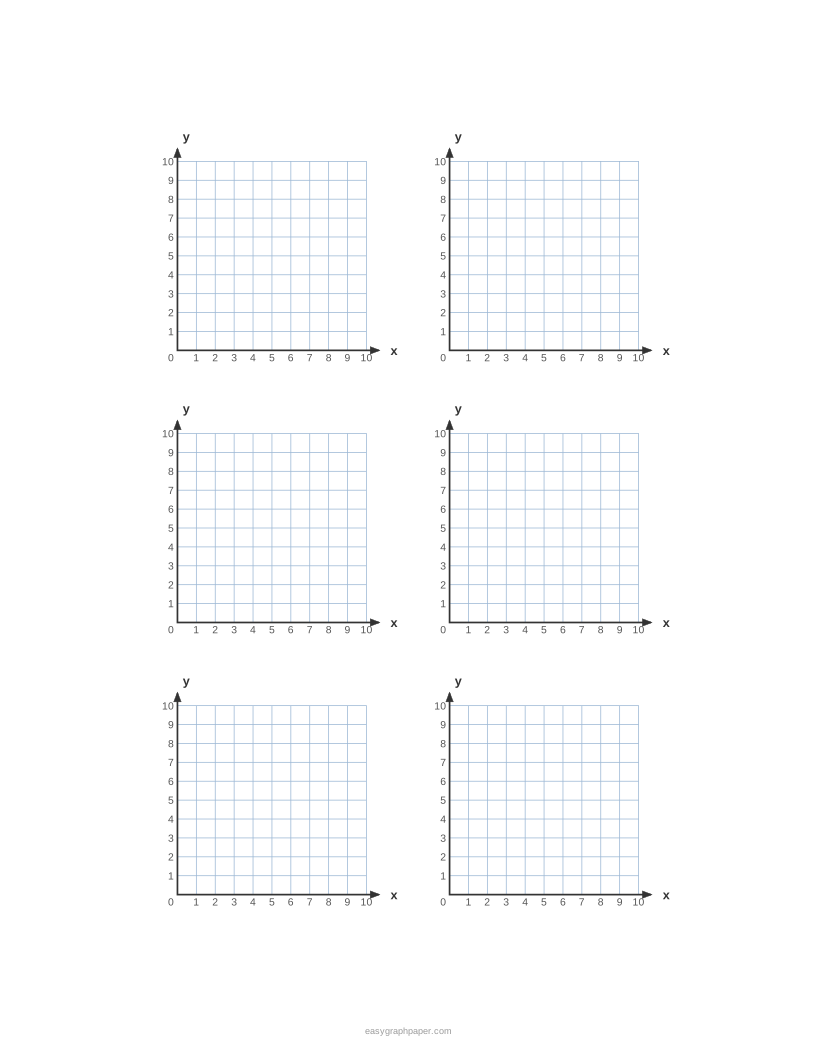
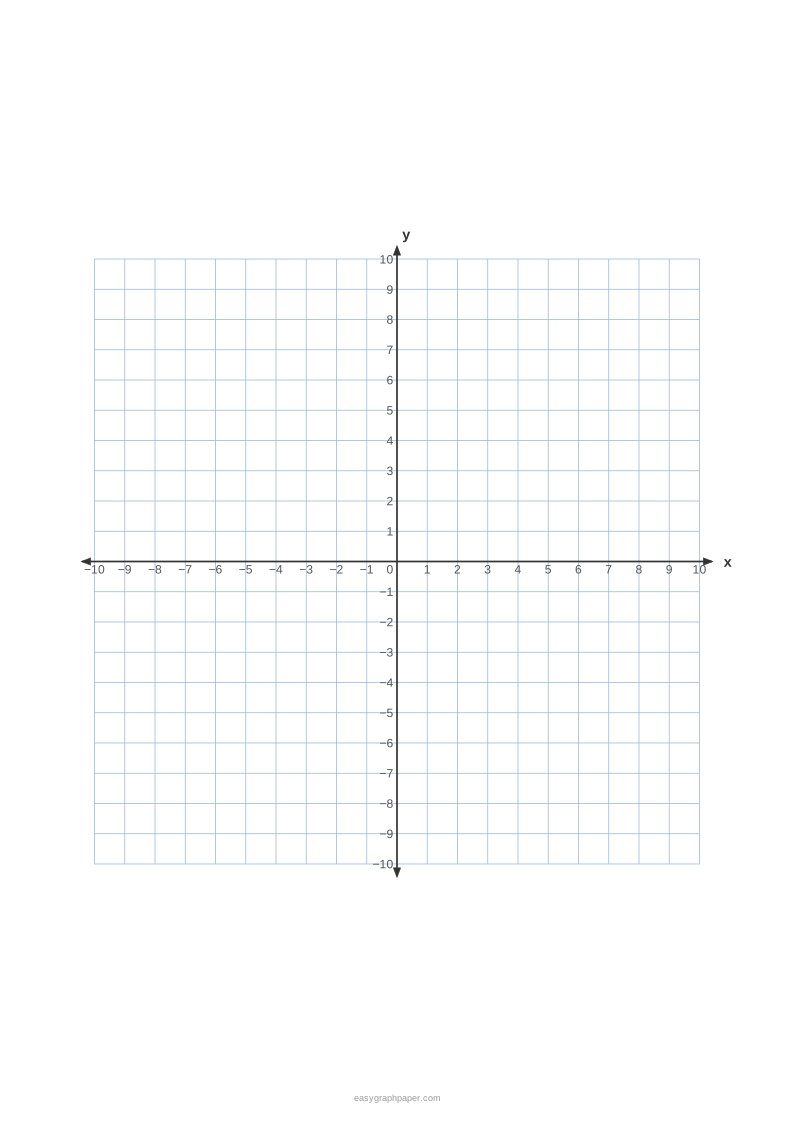
Blank coordinate grids with numbered x and y axes: one large plane or several per page, four quadrants or the first quadrant.
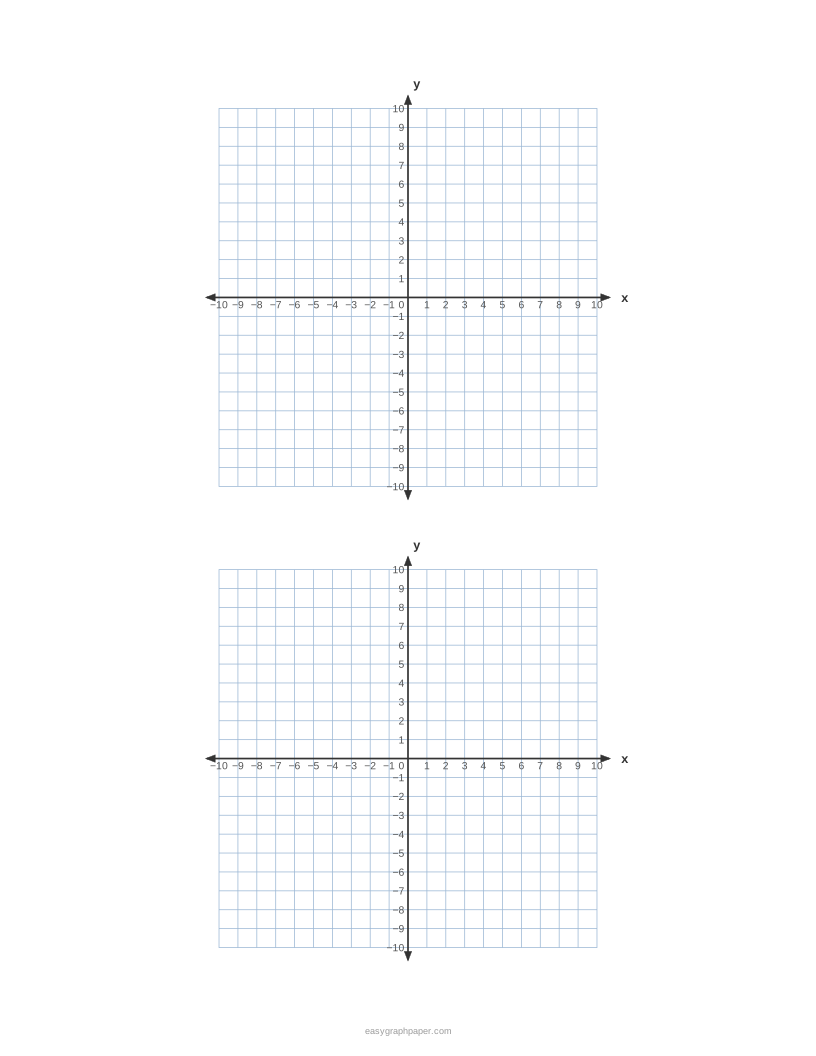
How to use the coordinate plane generator
- Under Quadrants, choose four quadrants (from −N to N) or first quadrant only (from 0 to N).
- Set the axis range N from 2 to 30. The default is −10 to 10.
- Pick a square size: 5 mm, 1/4 in, 1/5 in, 4 mm, 1 cm, 1/2 in, or a custom size typed in millimetres or inches.
- Choose grids per page: as many as fit, or 1, 2, 4, 6 or 9.
- Under numbers on the axes, switch the numbers on or off and choose every 1, 2 or 5 units. Turn on arrowheads or x and y labels if you want them.
- Check the preview. If a grid of your square size does not fit, the tool shrinks the square size so one grid fits, and the line under the preview says so.
- Choose the paper size (US Letter, A4, US Legal, Tabloid, A3 or A5, portrait or landscape), a line colour and a line weight. “Page and print settings” holds the margin, an optional title, a Name and Date line and the number of pages (1 to 50).
- Press Print, Download PDF, SVG or Copy link.
The presets include “One large plane” and “4 small planes”. To get true-size squares, print at 100 % or “Actual size” and turn off “Fit to page” or “Shrink to fit”, because fitting to the page shrinks every square slightly. The page remembers the paper size you chose last time.
What is a coordinate plane?
A coordinate plane is a system for locating any point with two numbers. The x-axis runs left to right, the y-axis runs up and down, and they meet at the origin, (0, 0). The system is named Cartesian after the French mathematician René Descartes.
What is a coordinate plane in math?
In math, a coordinate plane connects numbers with shapes. Each point is an ordered pair, so an equation with two variables can be drawn as a set of points. For example, y = 2x + 1 passes through (0, 1) and (1, 3). The same plane is used for distance and midpoint problems, and for reflections and translations in geometry.
What is a coordinate grid?
A coordinate grid is the set of evenly spaced horizontal and vertical lines drawn across a coordinate plane. Each small square usually stands for one unit, so you can count squares to measure distances from the axes. The grid lines make points easier to place exactly.
Coordinate plane example
Take the point (3, −2). Start at the origin, move 3 squares right, then 2 squares down. The point (−4, 1) is 4 squares left and 1 square up, so it sits in quadrant II. The point (0, 5) lies on the y-axis, so it belongs to no quadrant.
How to use a coordinate plane
To plot a point, follow three moves in order:
- Start at the origin (0, 0).
- Move x squares along the x-axis: right if x is positive, left if x is negative.
- Move y squares parallel to the y-axis: up if y is positive, down if y is negative. Mark the point.
How to read a coordinate plane
Always read the x-value first, then the y-value. The x-value tells you how far to go sideways, and the y-value tells you how far to go up or down. Quadrants follow from the signs: quadrant I has both positive, quadrant II has x negative and y positive, quadrant III has both negative, and quadrant IV has x positive and y negative. Swapping x and y is the most common reading mistake.
How to draw a coordinate plane
To draw a coordinate plane by hand:
- Draw a horizontal line for the x-axis and a vertical line for the y-axis, crossing at the origin.
- Mark equal spacing on both axes, using the same distance for each unit.
- Label the axes x and y, and number the marks on each axis.
- Label the quadrants I to IV, counter-clockwise, starting at the top right.
Examples made with this generator
Frequently asked questions
Is the coordinate plane generator free to use?
Yes. It is free, runs in your web browser, and needs no sign-up or download. The settings are not uploaded.
Can I print a first-quadrant graph only?
Yes. Choose “first quadrant only”, which runs from 0 to N, instead of the four-quadrant option.
Why do my squares look smaller when I print?
Fitting to the page shrinks every square slightly. Print at 100 % or “Actual size” and turn off “Fit to page” or “Shrink to fit”.
Can I show numbers every 2 units on the axes?
Yes. Turn on the numbers on the axes and choose every 2 units. Every 1 and every 5 units are also available.
How large can the axis range be?
The range N can be set from 2 to 30. The “−20 to 20” preset gives one plane with 4 mm squares numbered every 2.
Can I print several planes on one page?
Yes. Choose 1, 2, 4, 6 or 9 grids per page, or pick “as many as fit”. The “4 small planes” preset gives four −6 to 6 planes.
How can I reuse the same settings later?
Press Copy link. The link stores all current settings, so you or someone else can recreate the same sheet.
What is the coordinate plane definition?
A coordinate plane is a two-dimensional plane formed by a horizontal number line (the x-axis) and a vertical number line (the y-axis) that cross at right angles at the origin; every point on it is identified by an ordered pair (x, y).
Related paper templates
- Graph paper generator : use it for general graph paper when you do not need axes or quadrant labels.
- 1/4 inch graph paper : use it for plotting on a fine, evenly spaced grid without axis numbers.
- Grid paper : use it for plain square grids for drawing, sketching or writing.
- Number line : use it to practise one-dimensional positions before moving to two axes.
- Polar graph paper : use it when points are described by distance and angle instead of x and y.
- 10x10 grid : use it for hundreds charts, percentages and other 10 by 10 grid activities.
- 1 cm graph paper : use it when you need squares of exactly 1 cm for measuring or drawing.