Comic Strip Template
Choose a panel layout and print blank comic strips or comic book pages to draw in.
How to use the Comic Strip Template
- Pick a preset: ‘3-panel strip’, ‘4-panel strip’, ‘2×2 grid’, ‘3×3 grid’, ‘Comic book page’, ‘With caption lines’ or ‘With speech balloons’. Or choose any of the 11 layouts in the Panel layout list, from strips and grids to comic-book pages with a wide or tall panel.
- For a strip, set the number of strips per page from 1 to 4. The default is 2.
- Set the gutter, which is the space between panels. The default is 6 mm, and you can go up to 25 mm.
- Choose a border weight of 0.3, 0.6, 1 or 1.5 mm. Turn on rounded corners if you want them.
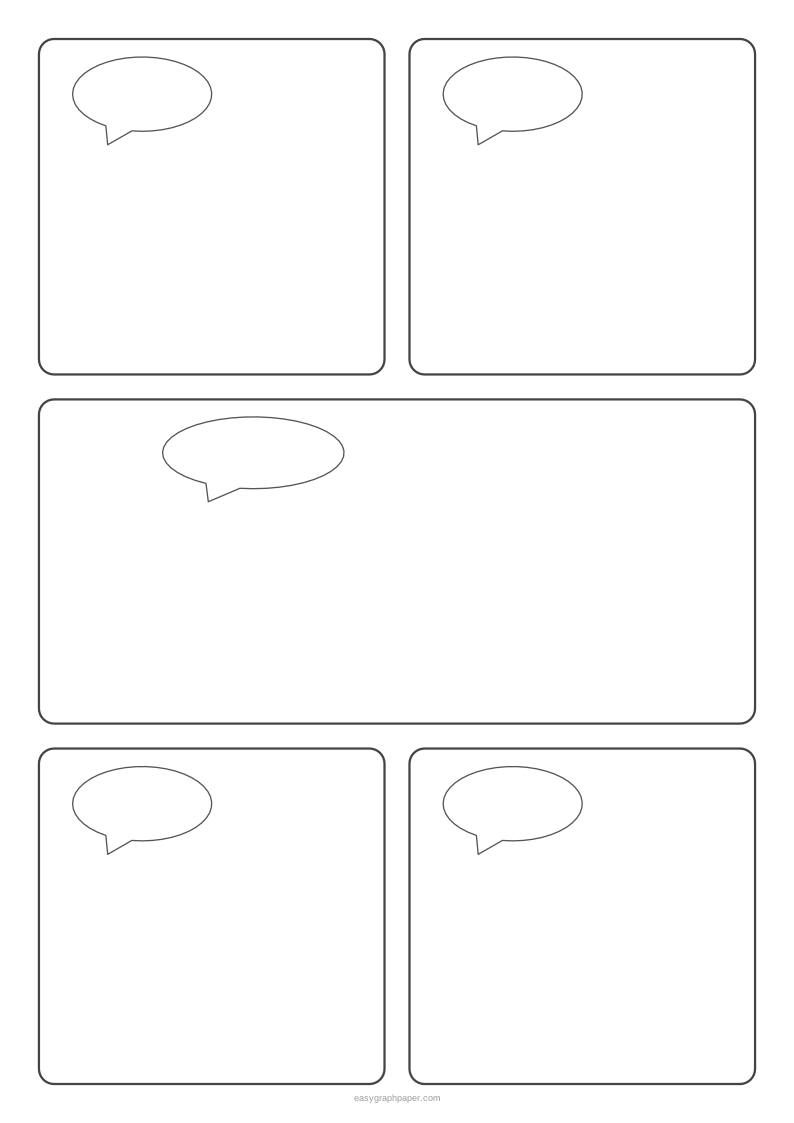
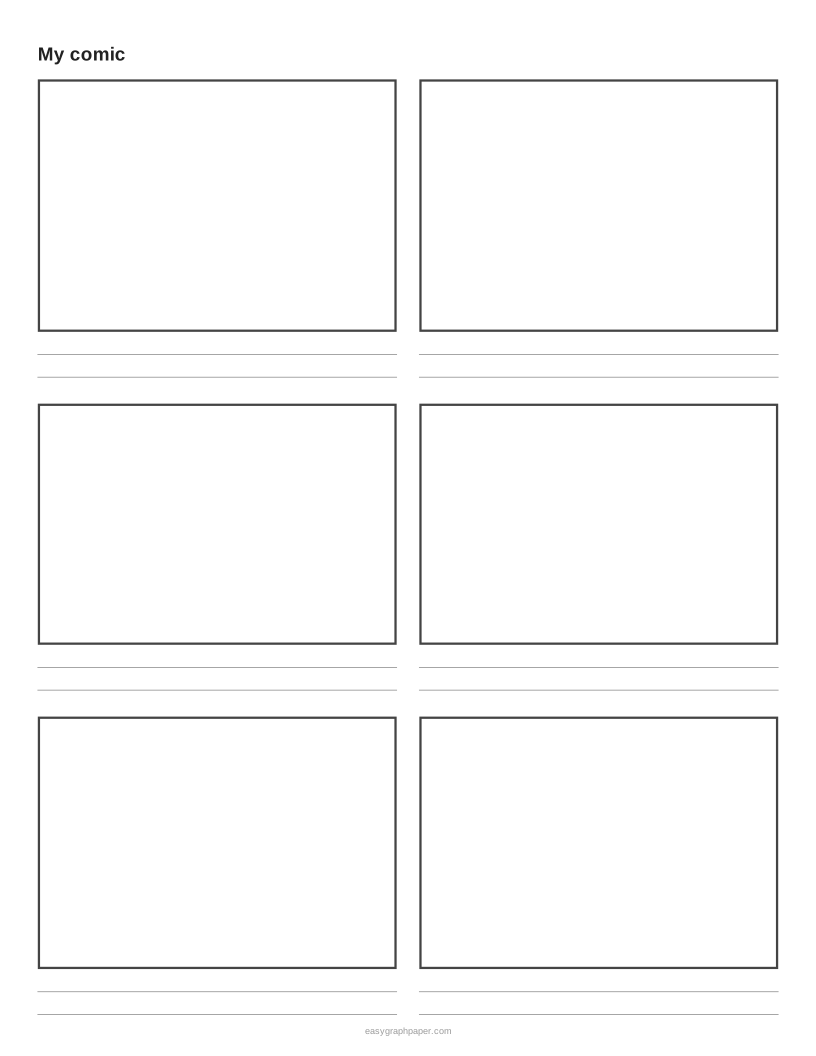
- Add writing space: 0 to 4 caption lines under each panel, and 0 to 2 empty speech balloons per panel.
- Under Page and print settings, pick a paper size and orientation. Strips default to landscape.
- Set the margin (default 10 mm), then add an optional title and a Name and Date line. Choose how many identical pages go in the PDF, from 1 to 50. You can switch off the small site address in the bottom margin.
- Click Print, Download PDF, SVG or Copy link.
When you print, choose 100% or “Actual size” rather than “Fit to page”. Then every length prints exactly as you set it. Copy link stores all your current settings, so you can reopen the same sheet later.
How many panels does a comic strip have?
Newspaper comic strips are usually 3 or 4 panels in one row. A comic book page commonly has around 4 to 9 panels of different sizes.
A strip works like a short sequence. Each panel shows one moment, and the reader moves from left to right. Three or four panels leave room for a setup, a change and a payoff without crowding the drawing.
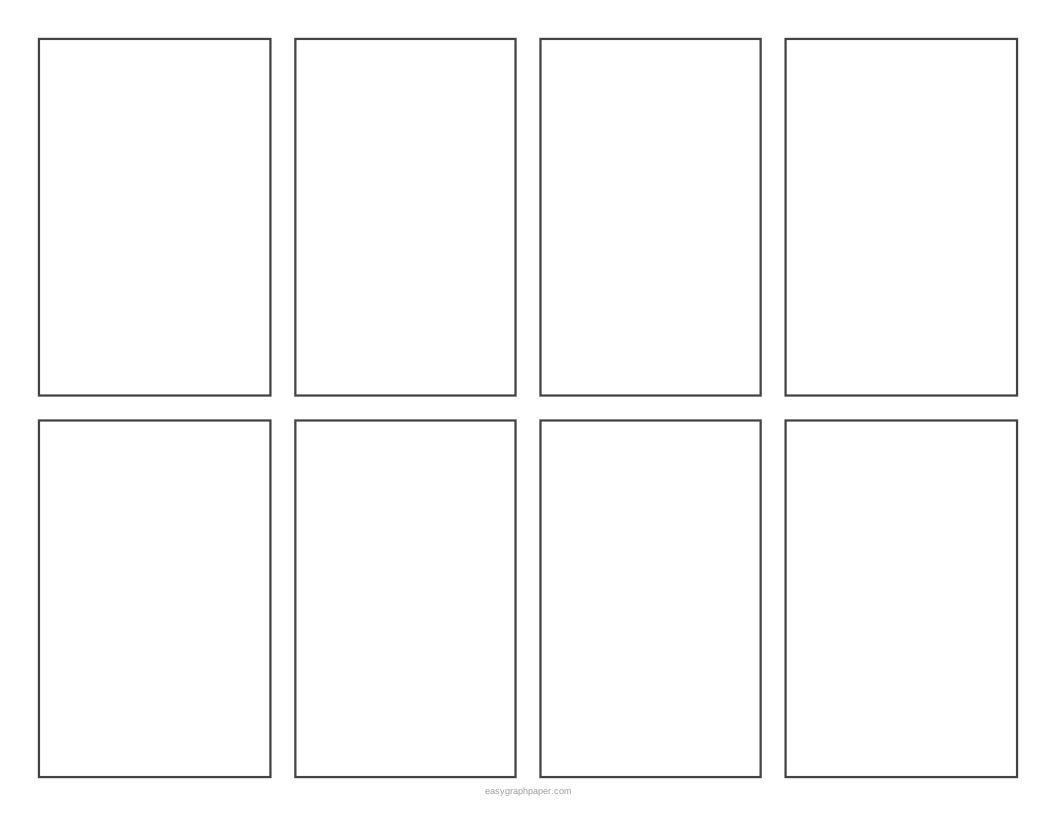
Panel count also decides how big each panel is. On US Letter landscape, two 3-panel strips give 6 panels, each about 80 x 95 mm (width by height). Two 4-panel strips give 8 panels, each about 59 x 95 mm. Fewer panels give you more room to draw, so pick the count that fits your story.
Which comic layout should I pick?
For a joke or a short scene, a strip of 3 or 4 panels is enough; two strips fit on a landscape page, so one sheet holds two short comics. A 2 × 2 or 3 × 3 grid gives equal panels for storyboards and sequencing tasks in class, where each panel is one step. The comic-book layouts mix sizes: a wide panel sets the scene or shows a big moment, and smaller panels carry the conversation. The tall panel on the left suits a character shown full height. Rounded corners give a softer, cartoon look; a thicker border reads better from a distance on a classroom wall.
How to make a comic strip
A comic strip is made by planning the story, sketching it lightly, adding speech balloons, and then inking and colouring it.
- Plan the story in three parts: a beginning, a middle and an end. Give each panel one idea. A 3-panel strip gives you exactly one panel for each part.
- Sketch the characters and backgrounds lightly in pencil, so you can erase mistakes easily.
- Add speech balloons. Readers take them in order from left to right and top to bottom, so place each balloon to match that order.
- Ink over the pencil lines, then colour the panels.
Work on a blank comic strip printable first, so you can test ideas on paper before you commit to the final version.
Examples made with this generator
Frequently asked questions
Can I add speech bubbles?
Yes. Choose 0 to 2 empty speech balloons per panel, or use the ‘With speech balloons’ preset. The balloons are drawn into the panels, so you only need to write your text inside them.
Is there space to write captions for students?
Yes. Choose 0 to 4 caption lines under each panel, or use the ‘With caption lines’ preset. Students draw the scene in the panel and write a sentence underneath, which works well for classroom use.
Which paper sizes can I print on?
You can print on US Letter (8.5 x 11 in), A4, US Legal, Tabloid (11 x 17 in), A3 and A5. Each size works in portrait or landscape.
How do I print at the correct size?
Click Print, then set the print scale to 100% or “Actual size” rather than “Fit to page”. The print dialog is already set to the exact paper size, so the panels come out at the measurements you chose.
Can I print several copies of the same comic page?
Yes. Under Page and print settings, set the number of identical pages in the PDF from 1 to 50.
Is the comic strip template free?
Yes. It is free, needs no sign-up or download, and the page is drawn in your browser, so nothing is uploaded. You can print as many copies as you like for a class or a club.
Related tools
- Handwriting paper: use it to practise neat lettering before you fill in speech balloons.
- Lined paper: use it for writing a longer script or story notes next to your comic.
- Grid paper: use it when you want to plan panel sizes against measured squares.
- Perspective grid: use it to draw backgrounds with depth in a panel.
- Dot grid paper: use it for loose, free sketching of layouts and characters.
- Pixel art grid: use it when you want a comic drawn in pixel style.