Printable Check Register
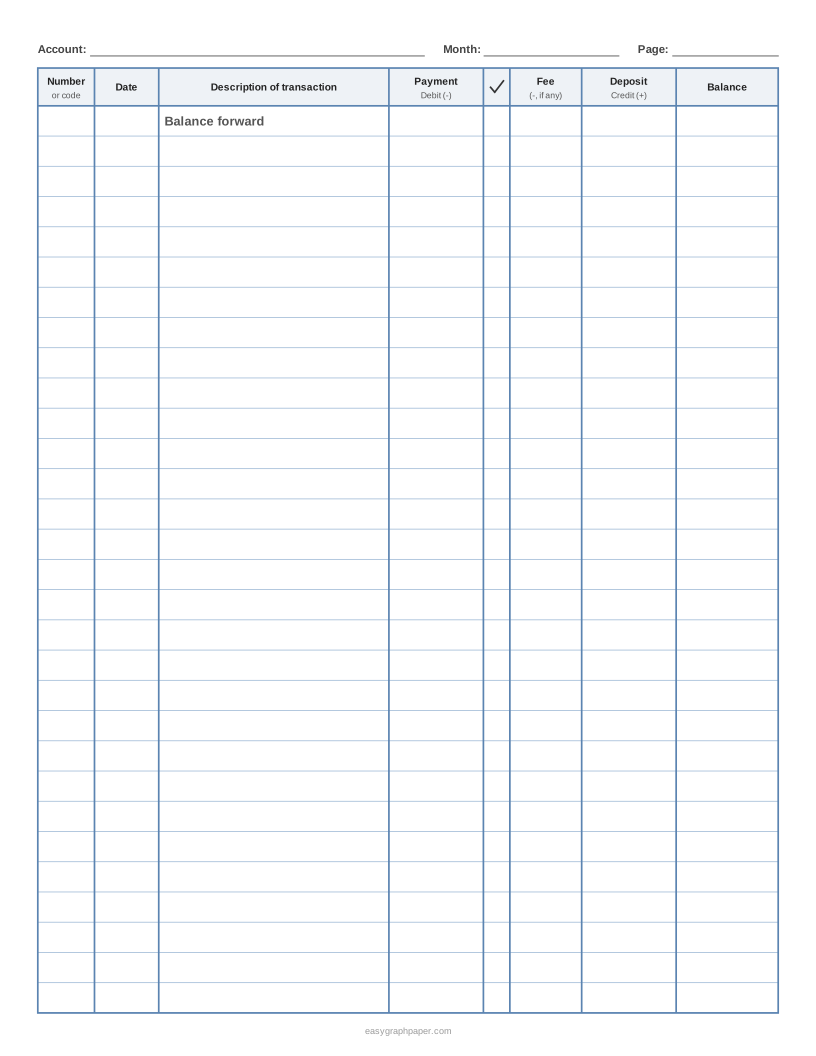
A checkbook register you can print in seconds, with the number, date, payment, deposit and balance columns already ruled.
Recent
Your last 10 settings, saved only in this browser. Nothing is uploaded.
At a glance
Printable Check Register is a free browser tool that makes checkbook register pages with a running-balance column, an optional fee column, pre-numbered check rows and PDF or print output.
- US Letter portrait holds 30 rows: one balance-forward row and 29 entries.
- Row height can be 7 mm, 8 mm, 10 mm, 1/2 in or 15 mm.
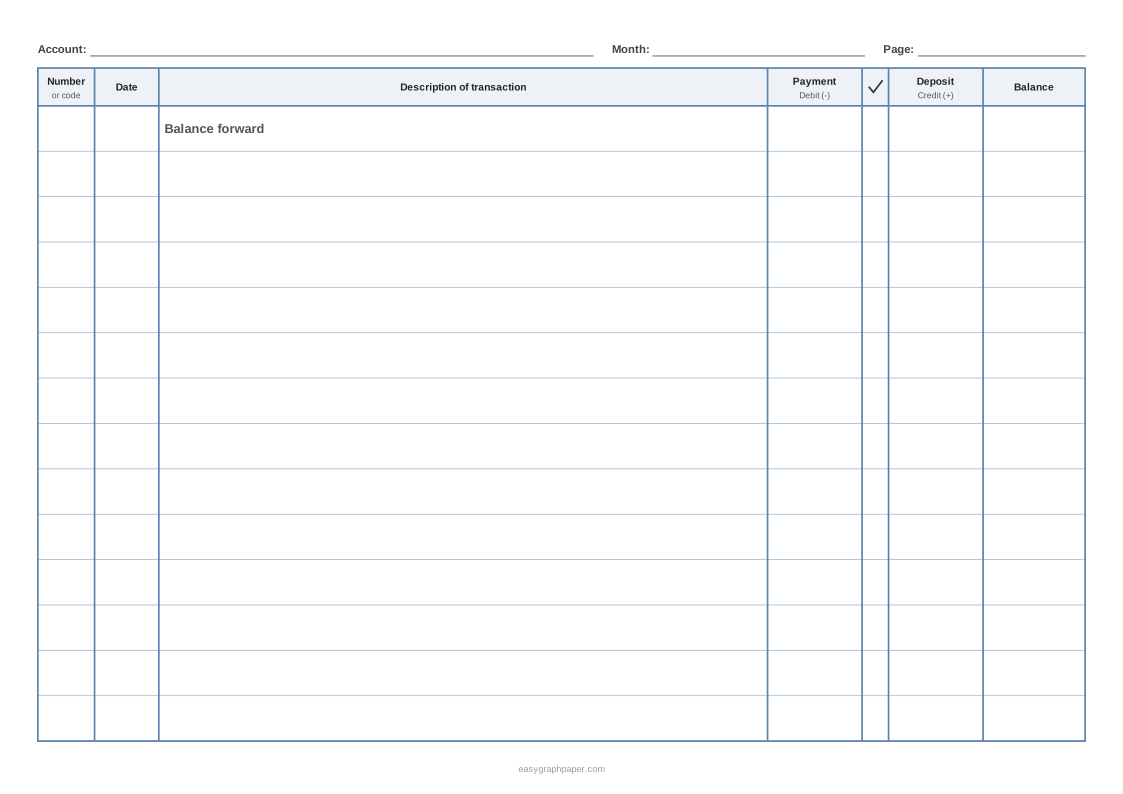
- The fee column can be switched off for a simpler 7-column page.
- You can pre-number the rows from any check number and print a starting balance on the first row.
- The tool is free, needs no sign-up, and nothing you type is uploaded.
Sources: How to balance a checkbook (Regions Bank) (checked 2026-10-17)
Reviewed
How to make a printable check register
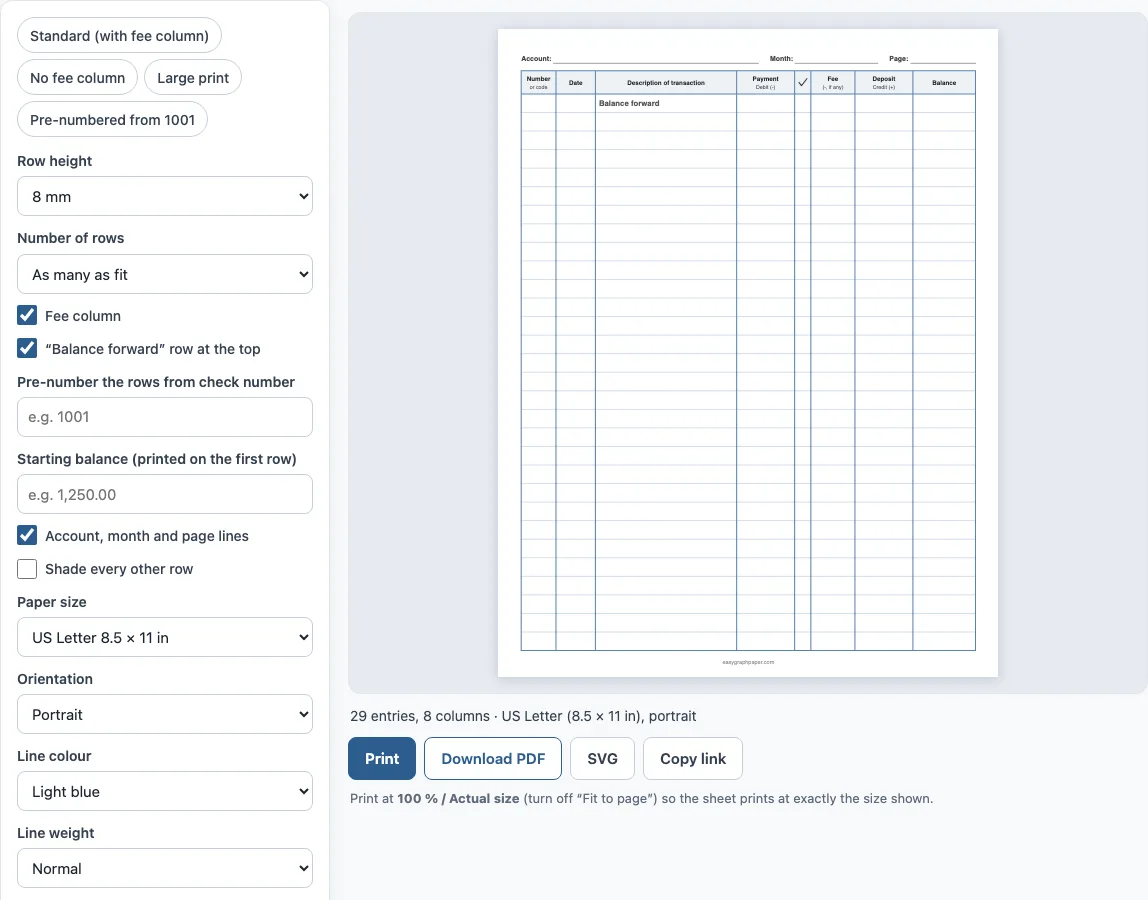
- Choose the paper size: US Letter, A4, Legal, Tabloid, A3 or A5. Then pick portrait or landscape.
- Pick a row height from 7 mm to 15 mm. 8 mm gives 29 entries on Letter, and 12 mm gives larger writing space with 19 entries.
- Turn the fee column on or off. Keep it if your bank charges fees or interest that you want to log on their own line.
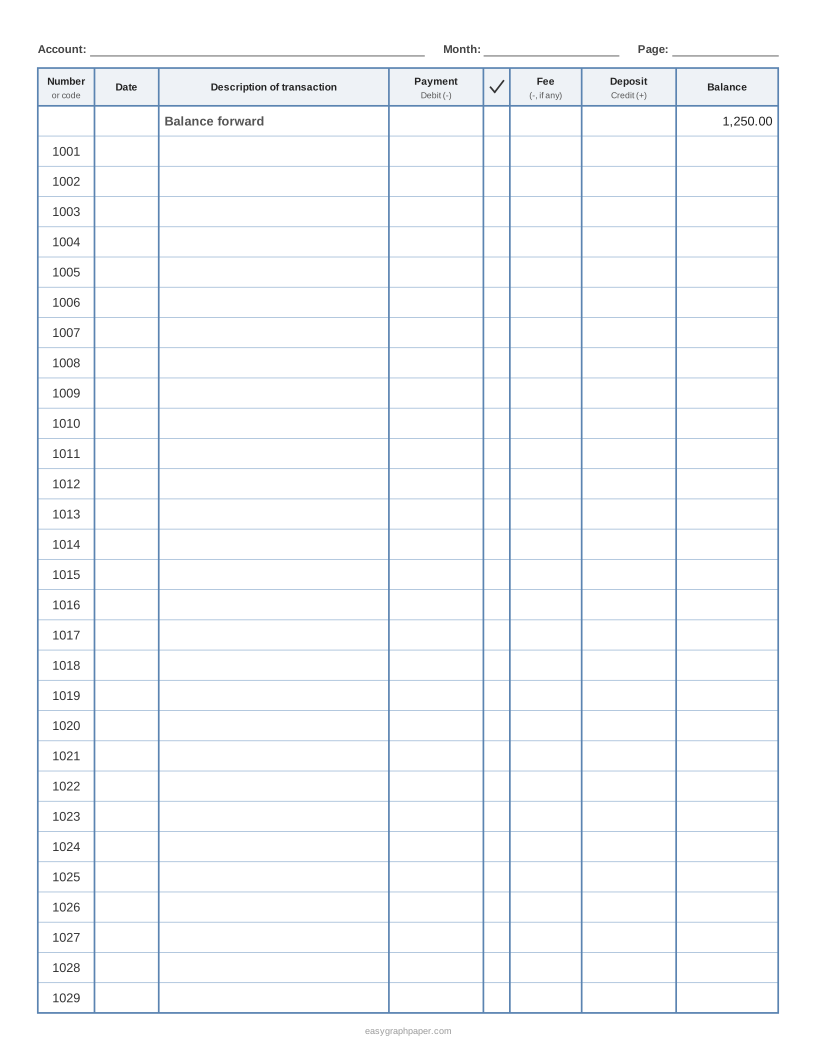
- Type a check number in the “Pre-number the rows” box if you want each row numbered in order, for example 1001 for the first row.
- Type a starting balance, such as 1,250.00. It prints on the balance-forward row at the top.
- Switch the account, month and page lines on or off, and shade every other row if it helps you read across.
- Choose the line colour and weight. Under “Page and print settings”, you can add a title and set up to 50 identical pages.
- Click Print or Download PDF. Print at 100% or “Actual size” so the rows keep their true height. Copy link saves the settings, so you can come back to the same layout next month.
To use a page, write the check number or code, date and description. Enter the amount in Payment or Deposit, then work out the balance on the same row. Tick the row later, when it appears on your bank statement.
What is a check register?
A check register is a small ledger that records the money going in and out of a checking account. Each line is one transaction: a check you wrote, a debit card payment, an automatic withdrawal, a fee or a deposit. Because the register keeps a running balance, you can see what is available without waiting for the bank to post everything. Most banks supply a register with a checkbook, but a printable sheet is useful when you run out, use online banking or want a different layout.
How do you fill in a check register?
Start with the balance forward, which is the account balance on the day you begin the page. For every transaction, write the number or code, the date and who you paid or where the money came from. Put the amount in the Payment or Deposit column. Then update the balance. If you start with 1,250.00 and write a check for 85.40, the new balance is 1,164.60. A 300.00 deposit afterwards makes it 1,464.60. The formula is: previous balance minus payments, minus fees, plus deposits.
How do you balance a checkbook with the register?
Banking guides describe the same routine: compare each register line with your statement and tick the ones that appear on both. The tick column on this page is for that. List the items that have not cleared yet, such as a check that is still outstanding, and adjust the bank’s ending balance by adding deposits not yet shown and subtracting outstanding payments. The result should equal your register balance. If it does not, look for a missed fee, a wrong figure or a transposed digit. The Regions Bank guide linked in the sources walks through the same steps.
What size are the rows?
The default row is 8 mm, about 5/16 in, which is enough for a short description in normal handwriting. On US Letter that gives 30 rows including the balance-forward row, and A4 gives 32. Large-print registers use 12 mm rows and fit 20 rows on Letter.
Examples made with this generator
Frequently asked questions
Is a check register the same as a checkbook register?
Yes. Check register, checkbook register and account register all mean the log you keep next to your checks. This page makes the same page whatever you call it.
How many transactions fit on one page?
With the default 8 mm rows, US Letter holds 29 entries plus the balance-forward row, and A4 holds 31 entries. Landscape pages hold fewer rows because the page is shorter. Raise the row height to write bigger, or choose “Number of rows” to print a set number.
Can I print a register with check numbers already filled in?
Yes. Type the first check number and every row below the balance-forward row is numbered in order. If your first check is 1001, a Letter page runs from 1001 to 1029. Start the next page at 1030.
What is the tick column for?
It is for marking each line that has cleared the bank when you compare the register with your statement. Anything without a tick is still outstanding.
Do I need the fee column?
Only if you want fees and interest on separate lines from payments. Switch it off for a simpler register with a wider description column.
Is the register free to use and sell?
Yes. Pages you make here are free for personal and commercial use, including printable bundles, and no credit is needed. You may not copy the generator itself to offer a competing tool (see the terms).
Related paper templates
- Ledger paper: Use this when you want accounting columns for debits, credits and balances.
- Printable to-do list: Use this when you want a task list with checkboxes instead of a money log.
- Habit tracker: Use this when you want to track daily habits over a month.
- Lined paper: Use this when you just need ruled paper for notes.
- Writing paper and planners: Use this to see all the planner and writing pages in one place.
- Grid paper: Use this when you want a plain grid to build your own table.