Calligraphy Practice Paper
Guideline sheets sized to your pen: choose the nib width and the letter proportions, add slant lines, then print.
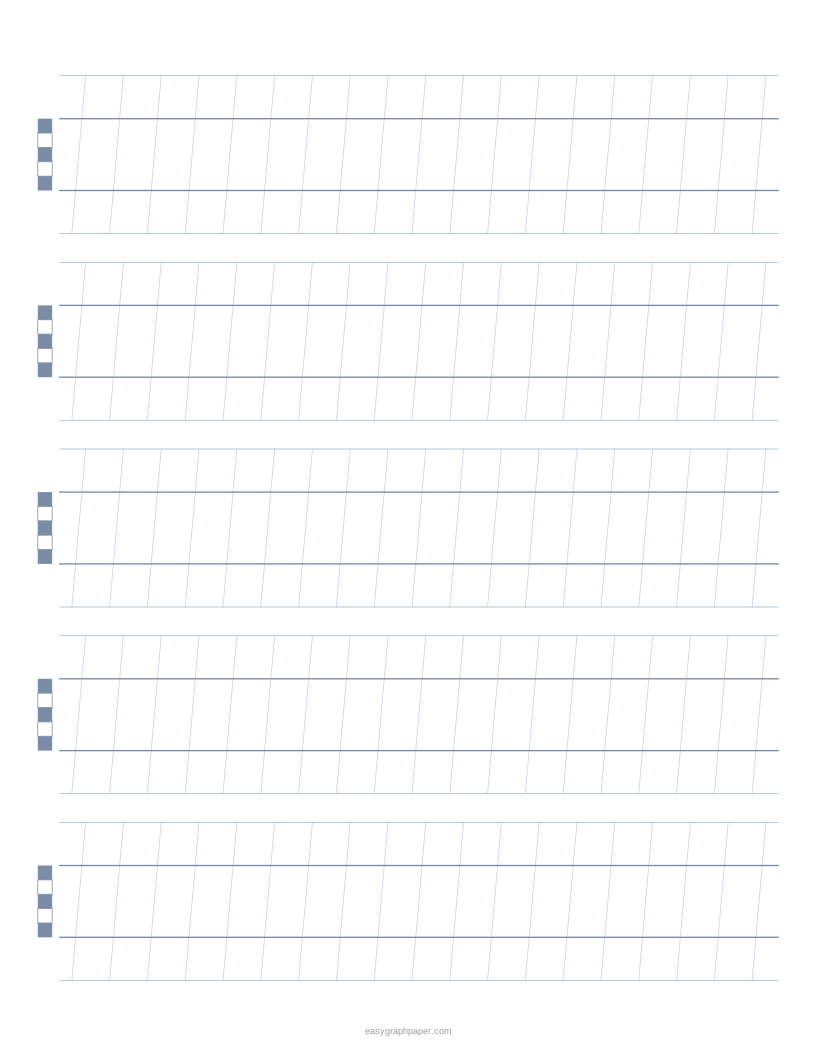
How to use the calligraphy paper generator
- Choose a paper size (US Letter, A4, US Legal, Tabloid, A3 or A5) and set portrait or landscape.
- Pick a preset (Italic, Foundational, Copperplate or Brush lettering), or start from scratch.
- Set the nib width. Pick one of 1, 1.5, 2, 2.4, 3, 3.8, 5 or 6 mm, or type a custom value.
- Set the x-height, ascender, descender and the gap between rows, all in nib widths.
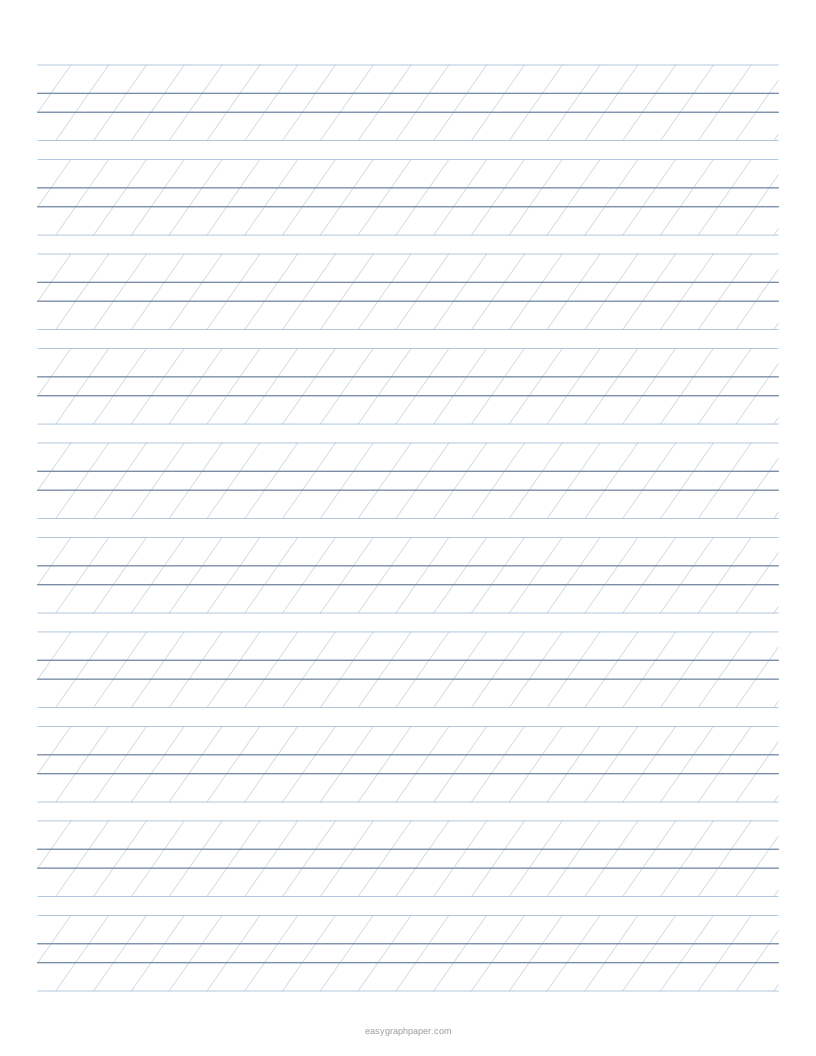
- Choose slant lines (none, 5°, 7°, 10°, 15° or 35° from vertical) and their spacing (5, 10, 15 or 20 mm, or custom). For copperplate, use 35° from vertical, which is 55° from the writing line.
- Turn on the nib-width ladder, which is drawn at the start of each row, and the dashed midline if you want them.
- Pick a line colour and weight. Under Page and print settings, set the margin, an optional title, an optional Name and Date line and the number of pages (1 to 50), or switch off the small site address in the bottom margin.
- Check the preview and the row count under it, then use Print, Download PDF, SVG or Copy link.
Copy link saves all your current settings, so you can recreate the same sheet later or share it. Download PDF produces a vector file whose page is exactly the paper size you chose.
What is calligraphy paper?
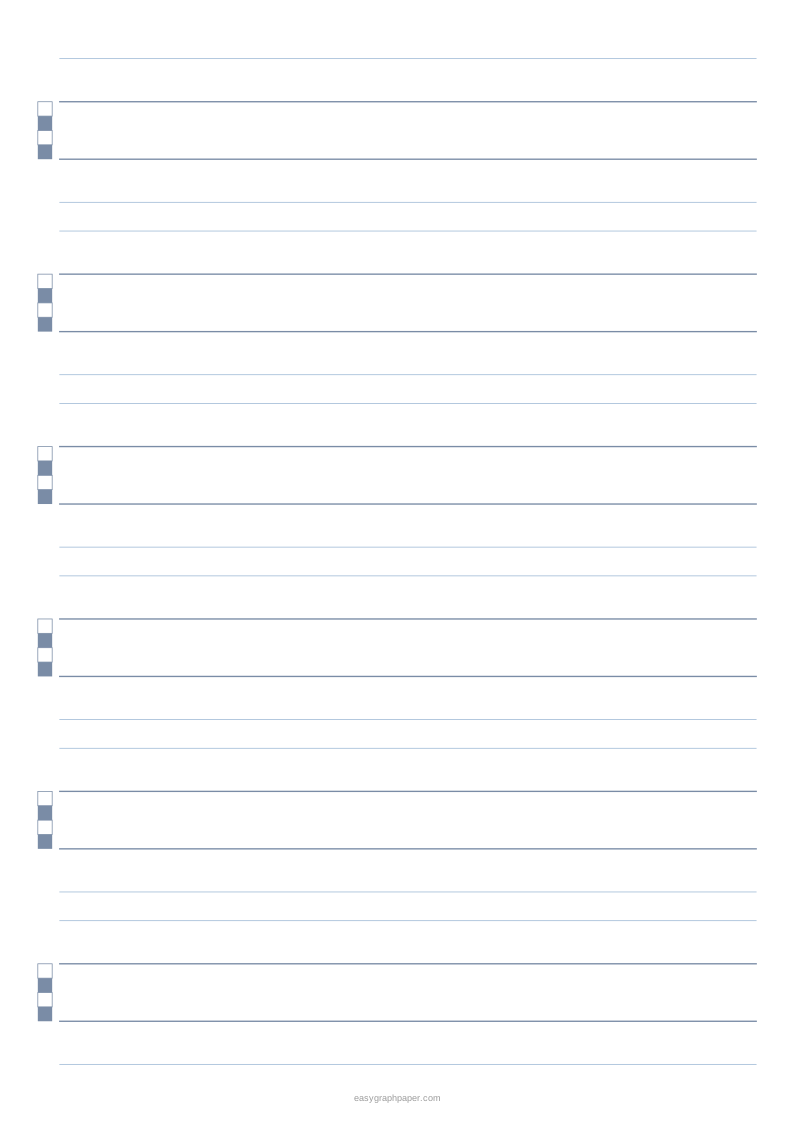
Calligraphy paper is paper printed with guidelines that show where each part of a letter should sit. Practice sheets usually have an ascender line for tall letters, a waist or x-height line for the body of small letters, a baseline where most letters sit, and a descender line for letters like g and p.
The baseline and waist line are drawn heavier than the ascender and descender lines, so the main reference lines stand out. Optional slant lines show the angle your strokes should follow.
Guideline heights are measured in nib widths, not in fixed millimetres. Make small square marks with the full width of a broad-edge nib, stacked corner to corner like a ladder. Each square is one nib width. The x-height of a hand is then given as a number of these widths, so a 5 nib-width x-height means the body of the letters is five nib widths tall. If you change to a wider nib, the whole sheet scales with it. For example, with the default italic setup and a 3.8 mm nib, the x-height is 19 mm.
What x-height should I use for italic?
Italic is commonly written with an x-height of about 5 nib widths and a slight forward slant. The default Italic preset uses these values, with ascender and descender set to 3 nib widths and slant lines at 5°.
Other hands use different proportions. The Foundational hand is commonly written at about 4 nib widths with upright letters, so its preset has no slant. Copperplate uses a ratio of ascender to x-height to descender of 3 : 2 : 3 with a 2.5 mm unit, and its slant is 55° from the baseline (35° from vertical). The Brush lettering preset uses a 5 mm unit, an x-height of 4 and a dashed midline.
How to use calligraphy practice paper
- Set the nib width to the pen you will use, then check the nib ladder at the start of a row against a few marks made with your pen.
- Write the body of each small letter between the baseline and the waist line, and let ascenders and descenders reach their lines.
- Keep down-strokes parallel to the slant lines; an even slant matters more than the exact angle.
- Practise one letter or stroke family per row (for example n, m, h, r), then move to words.
- When the shapes feel steady, try a larger x-height or a smaller nib to change the weight of the letters.
Examples made with this generator
Frequently asked questions
What kind of paper is used for calligraphy?
Use smooth, heavier paper if you want the ink to stay crisp and not feather into the fibres. You can also place the printed sheet under thin layout paper and trace over the guidelines.
Why are the printed guidelines slightly closer than I set?
Fit to page or Shrink to fit scales the sheet down a little. Print at 100 % or Actual size, with Fit to page and Shrink to fit turned off, so the spacing matches your nib.
Can I print several copies of the same sheet?
Yes. Set the number of pages in the PDF from 1 to 50, and each page will be identical.
Can I remove the site address from the bottom margin?
Yes. The small site address can be switched off under Page and print settings.
Does the page remember my paper size?
Yes. The page remembers the paper size you chose last time in your browser.
Are my settings uploaded anywhere?
No. The sheet is drawn in your web browser as vector graphics, and your settings are not uploaded.
What nib width should I choose?
Use the width printed on your pen or nib. If you do not know it, draw a single stroke with the full edge of the nib and measure it with a ruler, then type that value as a custom nib width.
Related paper templates
- Lined paper: Use it for everyday handwriting practice or notes when you do not need calligraphy guidelines.
- Dot grid paper: Use it for bullet journals, sketches or layouts that need light reference points.
- Grid paper: Use it for drawing, graphing or planning where evenly spaced squares help.
- Perspective grid: Use it when you are drawing objects and need vanishing-point guides.
- Cornell notes template: Use it to organise lecture notes with a cue column and summary area.
- Habit tracker: Use it to print a simple sheet for tracking daily habits.