Printable 10x10 Grid
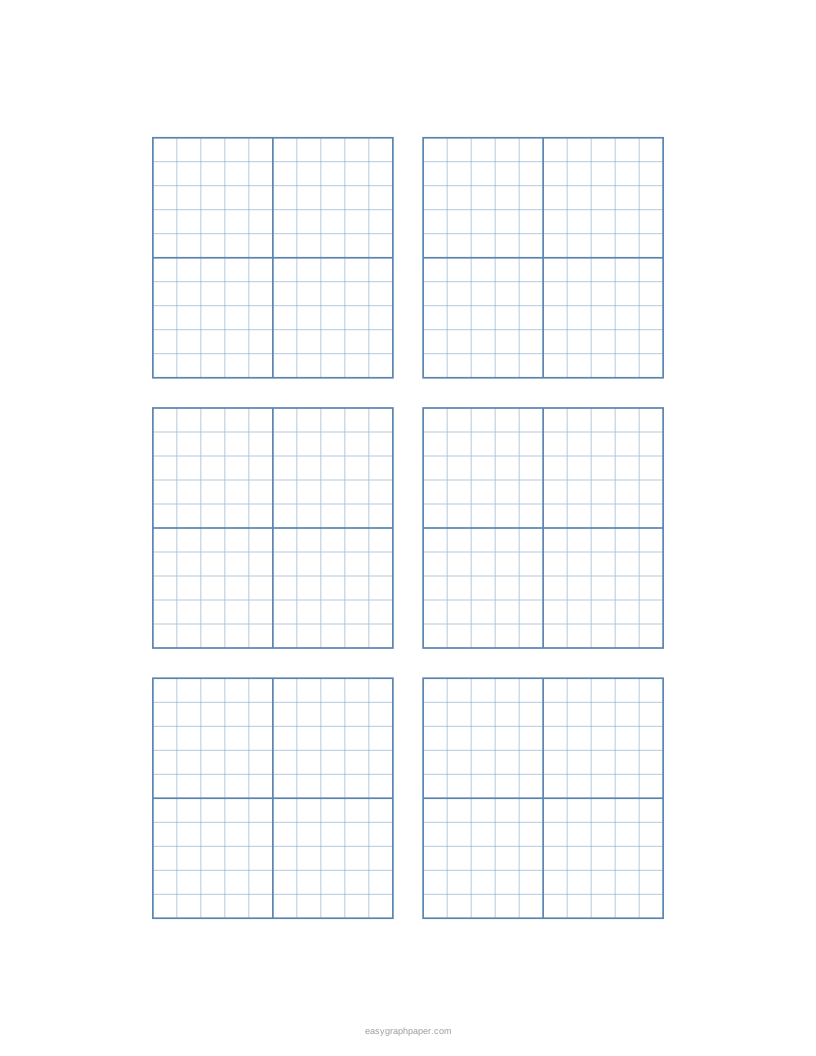
Small 10 by 10 grids, several to a page, or one numbered hundreds chart. Change the size for 5x5, 15x15 or 20x20.
How to use the 10x10 grid tool
- Set squares per side to 10. This is the default. Values from 2 to 50 are allowed, so you can change it to 20 for a 20x20 grid.
- Choose a square size. The default is 1/4 in. You can pick a preset or type a custom length in millimetres or inches.
- Choose a paper size: US Letter, A4, US Legal, Tabloid, A3, or A5. Pick portrait or landscape.
- Choose grids per page. Use “as many as fit” or pick 1, 2, 4, 6, or 9.
- Choose a heavier line every 5 squares, every 2 or 10 squares, or none. The 5-square setting is automatic when the size is a multiple of 5.
- Turn on numbering if you want a hundreds chart; the numbers are sized to the squares, so larger squares give larger numbers.
- Pick a line colour and a line weight (fine, normal, or bold).
- Under Page and print settings, adjust the margin, add an optional title or a Name and Date line, set the number of pages (1 to 50), or hide the small site address in the bottom margin.
- Use Print, Download PDF, SVG, or Copy link.
To get true-size squares, print at 100% or “Actual size” and turn off “Fit to page” or “Shrink to fit” in the print dialog. Fitting to the page shrinks every square slightly.
What can you do with a 10x10 grid?
A 10x10 grid is useful for any task that splits a whole into equal parts. Its 100 squares make it easy to count, shade, and compare amounts. Teachers and students use it for hundreds charts, percentages, multiplication, and games.
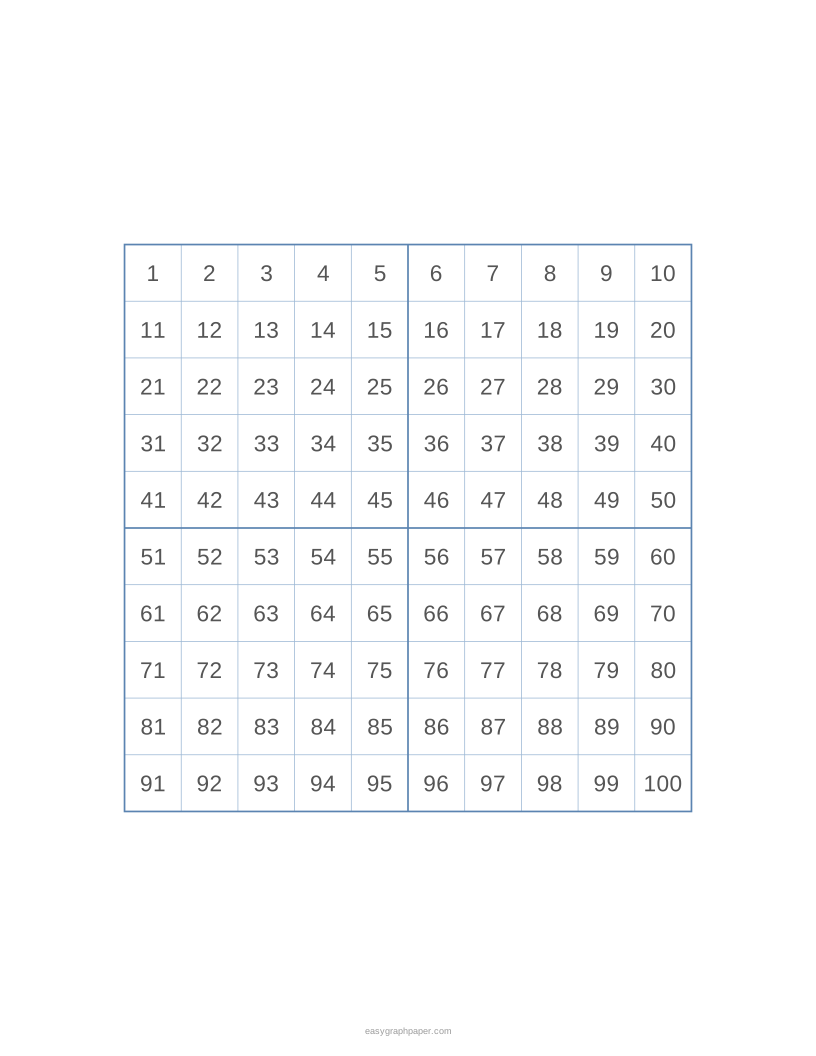
With numbering on, the squares are numbered 1 to 100 from left to right and top to bottom. This makes a hundreds chart, which helps with skip counting. Counting by 10s moves straight down a column, and counting by 2s or 5s shows patterns across each row.
Each square is one hundredth of the whole grid. Shading 37 squares shows 37%, or 0.37 as a decimal. The same grid can show fractions, decimals, and percentages side by side.
Because the squares form rows and columns, the grid also works as a multiplication array or area model. A block that is 4 squares wide and 6 squares tall covers 24 squares, which shows 4 × 6 = 24. Printed blank, the grid can be used for Battleship, dots-and-boxes, small pixel art, mosaics, and bingo-style classroom games.
How to show percentages and decimals on a 10x10 grid
Shade one square for each hundredth. To show 0.45 or 45 %, shade four full columns (40 squares) and five more squares in the next column. To compare 3/4 and 70 %, shade 75 squares on one grid and 70 on another: the difference is easy to see as five squares. For tenths, each full column or row is 0.1.
How many squares are in a 10x10 grid?
A 10x10 grid has 100 squares. It has 10 rows, and each row has 10 squares, so 10 × 10 = 100. This is why it is often called a hundred square.
Since the grid has 100 squares, each one is worth 1 out of 100. This makes it a direct model of percentages: any number of shaded squares equals that percentage. For example, 50 shaded squares is 50%, and 5 shaded squares is 5%.
Examples made with this generator
Frequently asked questions
How do I make a hundreds chart?
Keep squares per side at 10 and turn on numbering. The squares will be numbered 1 to 100, left to right and top to bottom. The numbered 1–100 preset gives one grid with 1/2 in squares on US Letter.
Can I make a 20x20 grid?
Yes. Set squares per side to 20. At 1/4 in squares on US Letter, the tool fits one 20 × 20 grid on the page. If one grid does not fit at the size you choose, the squares are made smaller so that one grid fits.
How many 10x10 grids fit on one page?
At 1/4 in squares on US Letter with 10 mm margins, six 10 × 10 grids fit on one page. You can also set grids per page to 1, 2, 4, 6, or 9.
Why do my squares look smaller when I print?
Your print dialog is probably set to fit the page. Choose 100% or “Actual size” and turn off “Fit to page” or “Shrink to fit.”
Can I print several copies of the same grid?
Yes. Under Page and print settings, set the number of pages in the PDF from 1 to 50. Each page is identical.
Do I need to sign up to use the 10 by 10 grid tool?
No. The tool is free and needs no sign-up or download. The page remembers your last paper size in your browser, and Copy link saves all current settings so you can return to the same sheet.
Related paper templates
- Pixel art grid: Use this when you want to plan a small picture square by square.
- Number line: Use this to practise counting, adding, and subtracting along a line.
- Coordinate plane: Use this for plotting points with x and y values.
- Grid paper: Use this for general-purpose squared paper for drawing and layouts.
- Cross stitch graph paper: Use this to plan a cross-stitch pattern on a square grid.
- 1 cm graph paper: Use this when you need squares that measure exactly one centimetre.