Printable Graph Paper Generator
Choose a square size and paper, see the sheet, then print it or download a PDF. Every square comes out at its real size.
Recent
Your last 10 settings, saved only in this browser. Nothing is uploaded.
Popular tools
This free graph paper generator makes printable graph paper in your browser. Choose a square size, a paper size and a few grid options, check the preview, then print the sheet, download a PDF or save an SVG.
Graph paper is paper printed with fine lines that cross at right angles and form equal squares. It is used for plotting graphs, drawing to scale, geometry, charts and diagrams. The presets cover the common rulings, from 1 mm to 1/4 inch, and a custom size in millimetres or inches covers anything else, up to large 1-inch squares. The sheet is drawn on your device: nothing is uploaded, and there is no sign-up or download to install.
At a glance
Printable Graph Paper Generator is a free browser tool that makes printable graph paper from chosen square sizes, paper sizes and grid options, then prints it at true size or downloads a vector PDF.
- The generator makes printable graph paper in the browser, with square sizes from 1 mm to 1 inch.
- Square size presets run from 1/4 inch to 1 mm, and a custom size is also available.
- The default margin is 10 mm, and the PDF can have 1 to 50 pages.
- Nothing is uploaded; the sheet is drawn on the user's device.
- The tool is free, with no sign-up or download to install.
- Print at 100% or actual size, with fit-to-page turned off, to keep true-size squares.
Sources: Graph paper (Wikipedia) (checked 2026-10-15)
Reviewed
How to use the graph paper generator
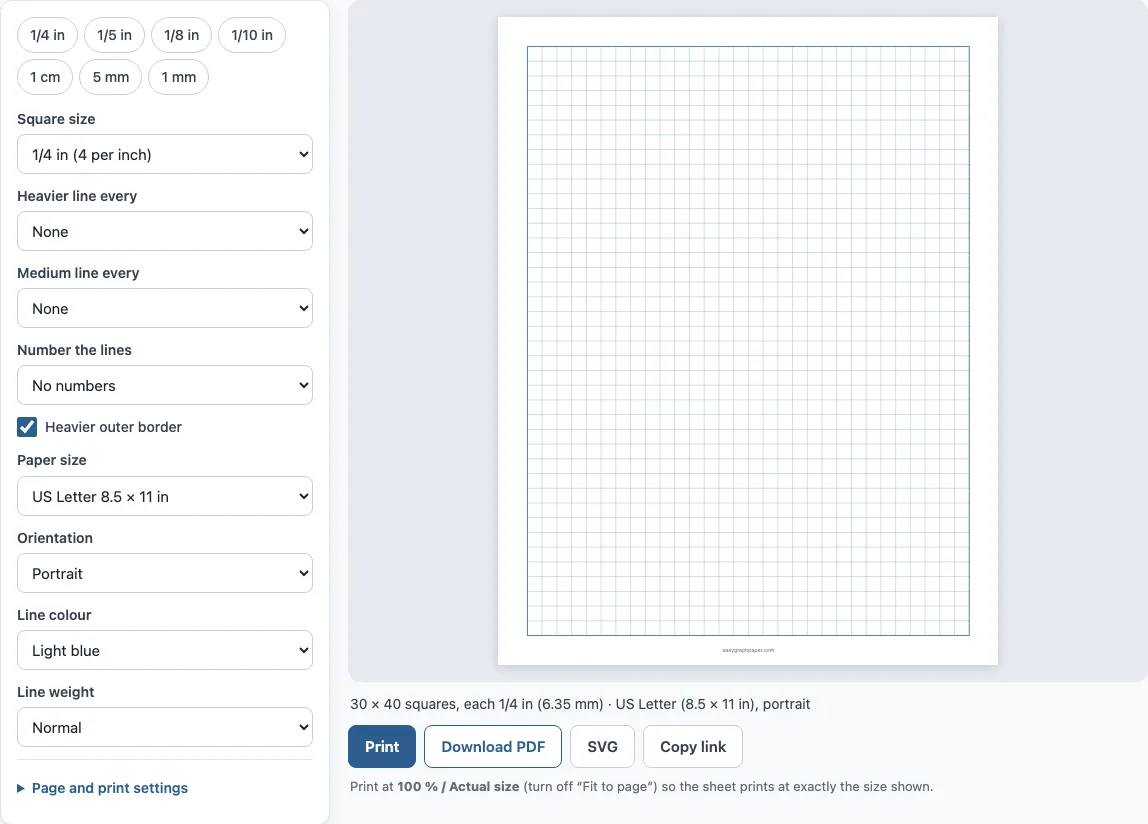
- Choose a square size from the presets (1/4 in, 1/5 in, 1/8 in, 1/10 in, 1 cm, 5 mm or 1 mm), or pick “Custom size” and type a value in millimetres or inches.
- Pick a paper size: US Letter, A4, US Legal, Tabloid, A3 or A5, in portrait or landscape.
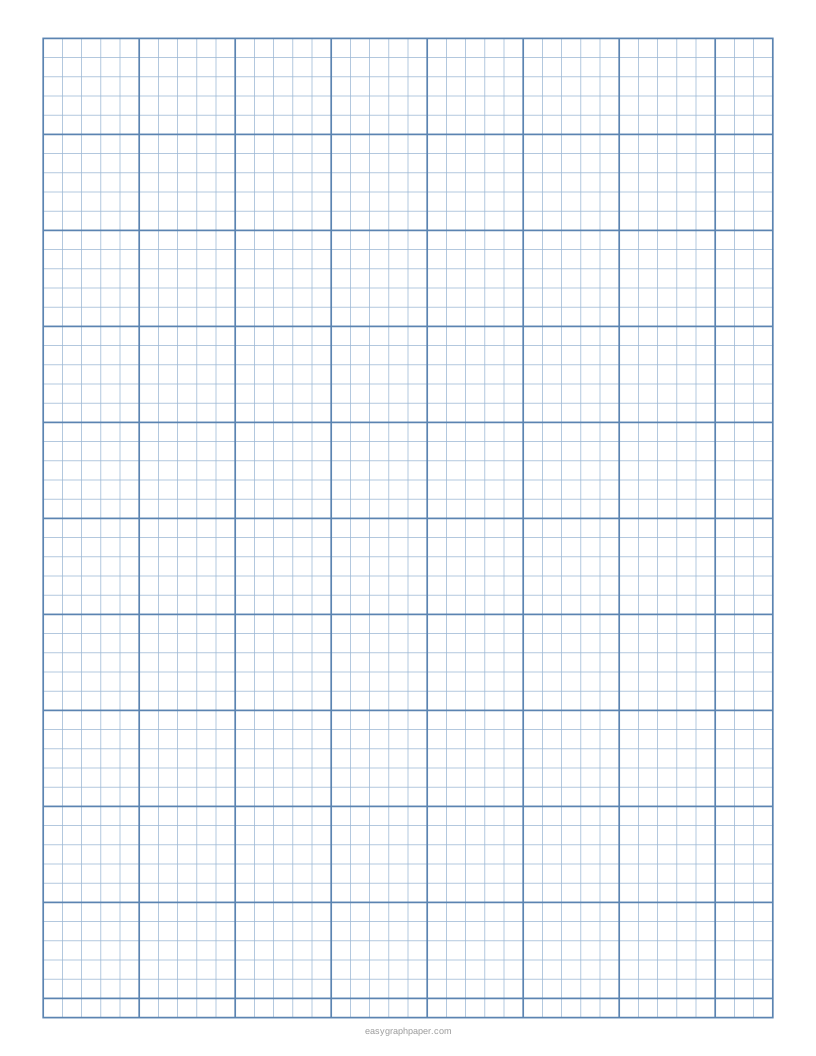
- Add grid options if you need them: a heavier line every 2, 4, 5, 8 or 10 squares, a medium line every 2 or 5 squares, numbers along the top and left edges, and a heavier outer border.
- Pick a line colour and a line weight (fine, normal or bold).
- Open “Page and print settings” to change the margin (10 mm by default), add a title or a Name and Date line, or set how many pages the PDF should have (1 to 50).
- Check the preview. The line under it says how many squares fit, for example 30 × 40 squares of 1/4 inch on US Letter.
- Click Print, Download PDF, SVG or Copy link; the PDF page is exactly the paper size you chose.
For true-size squares, print at 100 % or “Actual size” and turn off “Fit to page” or “Shrink to fit” in the print dialog. Copy link stores every setting in the address, so you can make the same sheet again later or send it to a class.
What does graph paper look like?
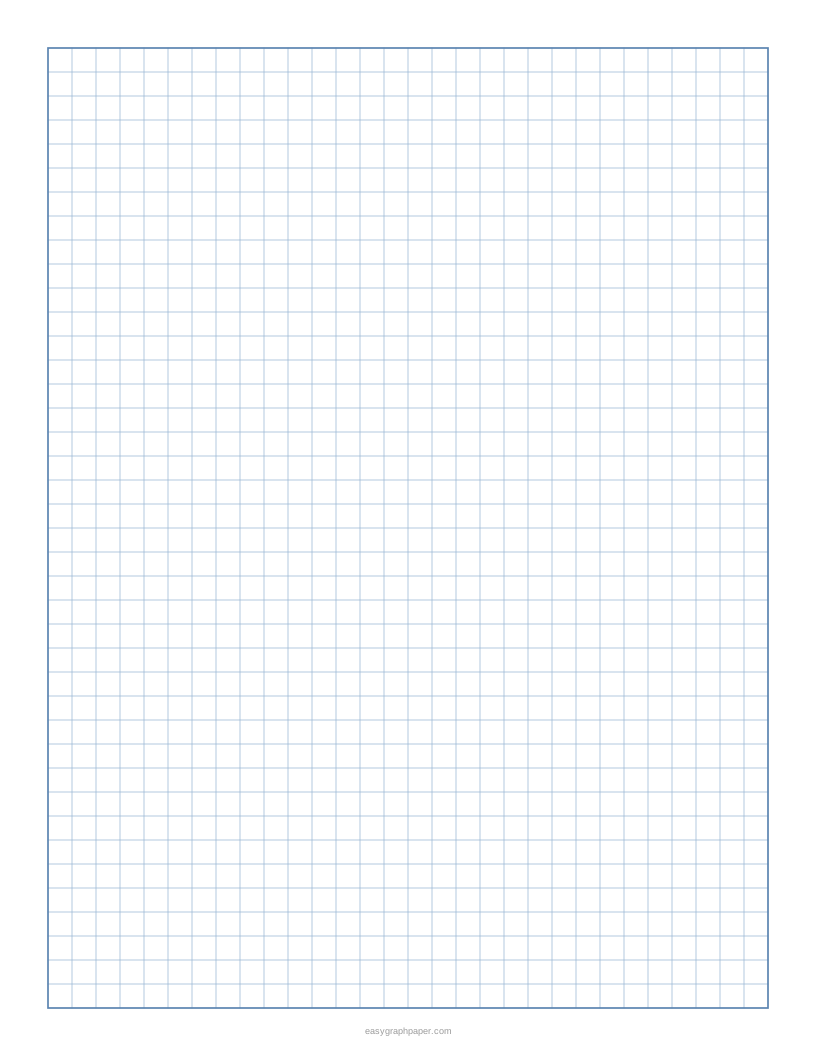
Standard graph paper is a white sheet covered with thin, evenly spaced lines in light blue, grey or green that cross at right angles, so the whole page is a grid of identical squares. Common rulings are 4 or 5 squares per inch and 5 mm squares; many sheets also print a heavier line every few squares so you can count quickly. The preview above shows exactly how your sheet will look.
What is graph paper used for?
Graph paper is used wherever equal squares save measuring: plotting graphs of data and equations in maths and science, drawing shapes and constructions in geometry, scale drawings such as floor plans and garden layouts, charts and tables that need straight columns, and design work such as pixel art, knitting and cross stitch patterns. Engineers and students also use it to sketch diagrams with consistent proportions.
How to use graph paper
Choose a scale that lets your data fill most of the grid, then draw and label the x and y axes. Mark equal steps on each axis (for example one square = 5 units), plot each point by counting squares across and then up, and finally join the points or draw a line of best fit. Leave a few squares at the edges for axis labels and a title.
How to use graph paper for math
Let one square stand for one unit. Counting squares gives the length of a line and the area of a shape drawn on the grid, which makes perimeter and area easy to check. For long multiplication and division, write one digit per square so the columns stay lined up. For negative numbers, put the origin (0, 0) near the middle of the sheet and count left or down.
What square size should graph paper have?
Graph paper comes in inch rulings and metric rulings. The table shows how many squares the generator fits on a sheet with the default 10 mm margins:
| Square size | Also called | US Letter | A4 |
|---|---|---|---|
| 1/4 in (6.35 mm) | 4 per inch, quad ruled | 30 × 40 | 29 × 43 |
| 1/5 in (5.08 mm) | 5 per inch, engineering | 38 × 51 | 37 × 54 |
| 1/8 in (3.175 mm) | 8 per inch | 61 × 81 | 59 × 87 |
| 1/10 in (2.54 mm) | 10 per inch | 77 × 102 | 74 × 109 |
| 1 cm | centimetre grid | 19 × 25 | 19 × 27 |
| 5 mm | metric squared paper | 39 × 51 | 38 × 55 |
Smaller squares give more precision for plotting; larger squares are easier for young students, handwriting and quick sketches.
How to print graph paper at the right size
The generator always draws whole squares and centres the grid inside the margins, so every square is exactly the size you chose: 1/4 inch is drawn 6.35 mm wide and 1 cm is drawn 10 mm wide. What can change the size is the print dialog. Choose 100 % or “Actual size”; “Fit to page” shrinks the page slightly to fit the printer’s margins. Check one printed square with a ruler before you rely on it for measuring.
Can I print my own graph paper?
Yes. Any home or office printer that takes your paper size can print it. Saving the PDF lets you print more copies later without buying pre-printed pads, and the PDF is vector, so lines stay sharp.
Graphing paper in the standard graph paper format has 1/4 inch squares, which is the default here; the same sheet serves as mathematical graph paper for plots in mathematics, a bar graph sheet, drawing graphing paper for sketches and graph paper for writing tidy columns of numbers or notes. Printed on Letter or A4 and punched for a binder, it becomes loose leaf graph paper, or a stack of graph paper note sheets.
Examples made with this generator

Frequently asked questions
Is this graph paper free to print?
Yes. The generator, the PDF and the printed sheets are free to use at home, in class or at work, and there is no account.
Is anything uploaded when I make a sheet?
No. The sheet is drawn by your browser on your own device. Only the settings appear in the page address, which is what makes “Copy link” work.
How do I make large graph paper?
Choose Tabloid (11 × 17 in) or A3 as the paper size, or set a bigger square such as 1/2 inch or 1 inch.
Can I print more than one page?
Yes. Set “Pages in the PDF” from 1 to 50 and every page will be the same sheet, ready to print as a stack.
Which square size should I choose for school?
Many US maths classes use 1/4 inch squares; metric classes often use 5 mm or 1 cm squares. Use the size your teacher or textbook uses so your work matches the examples.
Can I add my name or a title?
Yes. Under “Page and print settings” you can print a title at the top and add a Name and Date line, and you can switch off the small site address in the bottom margin.
Does it work on a phone?
Yes. On a narrow screen the preview comes first and the settings follow below it; the PDF can be saved or sent to a printer from the phone.
Related paper templates
- Grid paper: metric squared paper with 5 mm squares by default, plus edge numbering.
- 1/4 inch graph paper: quad ruled sheets with an optional heavier line every inch.
- 1 cm graph paper: centimetre squares for area and metric scale drawings.
- Millimeter graph paper: 1 mm squares with 5 mm and 1 cm lines for precise plotting.
- Dot grid paper: dots instead of lines, for bullet journals and sketching.
- Isometric graph paper: a triangle grid for drawing 3D shapes.
- Coordinate plane: grids with numbered x and y axes for plotting points.
- Engineering paper: green 5-per-inch grid with a header for homework.
- Polar graph paper: circles and angle lines for polar coordinates.